
People add to cart, then leave.
They do not understand delivery, cannot find a detail or get stuck at payment. Each abandoned cart is an order you lose without learning why.
ONLINE STORES · READY TO SELL
You have good products and buyers who look for you, but people stop at checkout, the stock on the website differs from the warehouse and someone copies every order into invoicing by hand. We build online stores with a short path from product to order, with payments, stock, invoicing and delivery connected.
COMPANIES WE HAVE BUILT FOR











SOUND FAMILIAR?
They do not understand delivery, cannot find a detail or get stuck at payment. Each abandoned cart is an order you lose without learning why.
A buyer orders a product you no longer have. Someone calls to apologise and the order is cancelled.
Once into invoicing, once for the courier, once into inventory. As orders grow, so do the mistakes.
WHAT IS INCLUDED
Ready to sell means you can take orders on launch day, instead of receiving an empty platform. Products are loaded and organised the way people search, payments and delivery work, and the warehouse colleague sees the order they need to prepare.
We start from how your buyers choose a product, not from the internal structure of the catalogue. At DeCasă, categories and navigation follow the intent of someone buying furniture, and we checked and shortened every step to the order.
The storefront is only the visible part. The order has to reach inventory, invoicing and the courier without anyone copying it. Otherwise the store brings orders and double work with them.
PRICE
We do not put a fixed price on a store, because the difference between two stores comes from the products, the integrations and what happens after the order. Page count matters much less. We explain what drives the cost, then write the proposal with the deliverables and stages.
A catalogue of simple products with online payment costs differently from one with thousands of products, variants, customer-specific prices, stock synced with suppliers and an inventory integration. Migrating an existing store is estimated separately.
To compare proposals fairly, ask what happens to the order after the buyer pays. A cheaper proposal that leaves invoicing, stock and the courier to your team becomes expensive in the first busy month.
Platform costs, monthly costs and a manual-work calculator are in our online store cost guide. For the link with inventory and couriers, see ERP and ecommerce integration.
WHAT IS READY AT LAUNCH
Ready to sell means you can take orders from day one. The table shows what you get and what your team prepares.
| Criterion | What you get | What your team prepares |
|---|---|---|
| Catalogue | Categories, filters, variants and search, organised the way buyers look | The product file and photos |
| Product pages | Photos, details, availability and delivery cost | Technical descriptions, if you have them |
| Cart and checkout | Few steps, tested on phone and desktop | Nothing |
| Payments | Card, cash on delivery, bank transfer or instalments, depending on your buyers | The contract with your payment provider |
| Delivery | Couriers, rates and shipping labels generated from the order | Your courier contracts |
| Invoicing | The invoice issued from the order, in the format your country’s tax rules require | Access to your invoicing software |
| Stock and inventory | Stock synced with your inventory system, ERP or warehouse | Access to your inventory software |
| Legal pages | Terms, returns, privacy and cookies | Your company details and returns policy |
| Tracking | Orders and their source counted from day one | Access to Google Analytics and your ad accounts |
| Your old store | Products, customers and 301 redirects for pages with visits | Access to your current platform |
The steps of a move from another platform are in online store migration.
WHAT MOVES THE PRICE
The effect comes from the proposals we write. It compares factors and is not a rate card.
| Criterion | Effect on budget | Why |
|---|---|---|
| More products of the same kind | Small | The import runs once, from the same file |
| Products with many variants | Medium | Sizes, colours and stock per variant need structure and testing |
| A catalogue with messy data | Large | Codes and attributes are cleaned before import |
| Custom design | Large | Category, product and cart pages start from scratch |
| Link with inventory or ERP | Large | The integration moves stock, orders and invoices in both directions |
| Prices per customer | Large | Business accounts need price and approval rules |
| Several couriers | Medium | Each courier has its own rules, rates and labels |
The technical side of the ERP link is explained in ERP and ecommerce integration.
OTHER STORES
IN PRACTICE
The old store structure did not match the way people search for and choose furniture, and it had too many steps to purchase. We reorganised navigation and presentation around the buyer and checked every step to remove stops that did not help the decision. Mihaela Vani, General Manager at Mobilă DeCasa, describes the result as a more intuitive experience that showcases their furniture collections.
See the DeCasă case study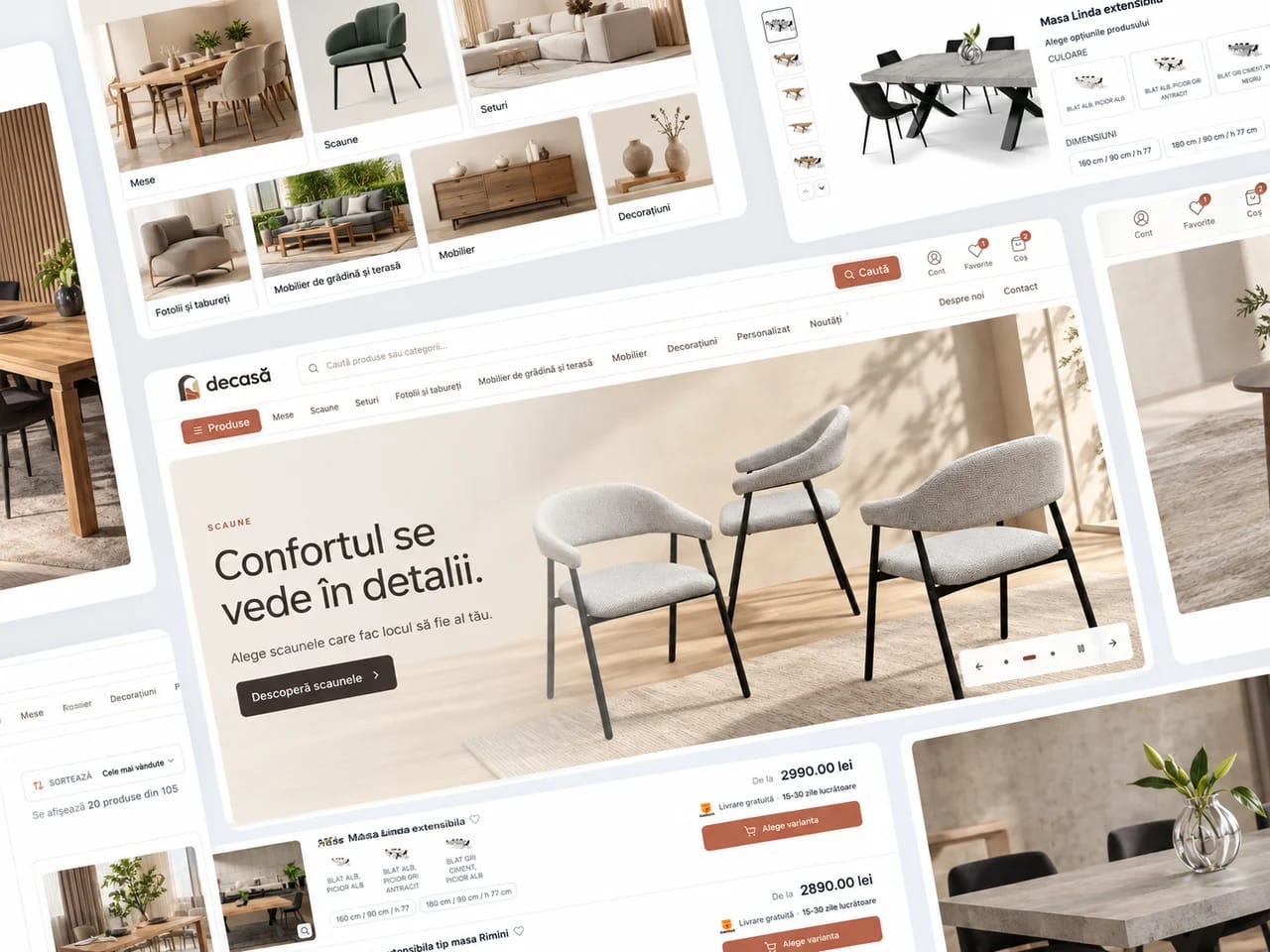
HOW WE WORK
We see how buyers choose, what stops them at payment and what happens to the order after: stock, invoice, courier. The structure and the list of integrations come from this.
We check products, design, payments, delivery and integrations on real orders, with the people who will run the store.
We count orders and their sources from day one. Then we add features as sales grow: B2B, a configurator, the warehouse.
FREQUENTLY ASKED QUESTIONS
Costs, platforms, integrations and migration.
The platform subscription or hosting, card payment fees and maintenance. We list them on separate rows in the proposal, so you can compare the cost over three years.
The price depends on the number and complexity of products, variants and configurations, the integrations with payments, couriers, invoicing and inventory, the migration of an existing catalogue and custom design. A store with a few dozen simple products is a different project from one with thousands of products and stock synced with suppliers. You receive the cost in the proposal, with the deliverables and stages in writing.
On launch day the products are loaded, payments and delivery work, and the colleague who packs the parcels sees every order. You do not receive an empty platform to configure yourself. The proposal says what we load and what your team prepares.
We choose the platform for your products, integrations and the team that will run the store. For ordinary catalogues we use established platforms. When the sales process, customer-specific prices or integrations need more, we build a custom store, as we did for the store connected to the warehouse and ERP at Center Electric.
Through integrations agreed at the start: stock updates from your inventory system or warehouse, the invoice is issued from the order and the shipping label is generated without copying. We check each connection on real orders before launch. When a supplier sends stock in a spreadsheet, we build that sync too.
Terms and conditions, a returns policy, a privacy policy and a cookie policy, plus anything your country’s consumer rules require. We prepare them with you, using your company details, and your legal adviser confirms the final wording.
Yes, with a migration plan. We list the products, categories and addresses that bring visits, keep the order and customer history, then set up the redirects. We launch after we check the catalogue and orders on the new store.
NEXT STEP
We start from one real order, from product to delivery. You receive the structure, integrations, stages and cost in a written proposal before we begin.
Book a callHOW THE STEPS CONNECT
The client chooses the products.
The data reaches the system.
The team tracks the parcel.
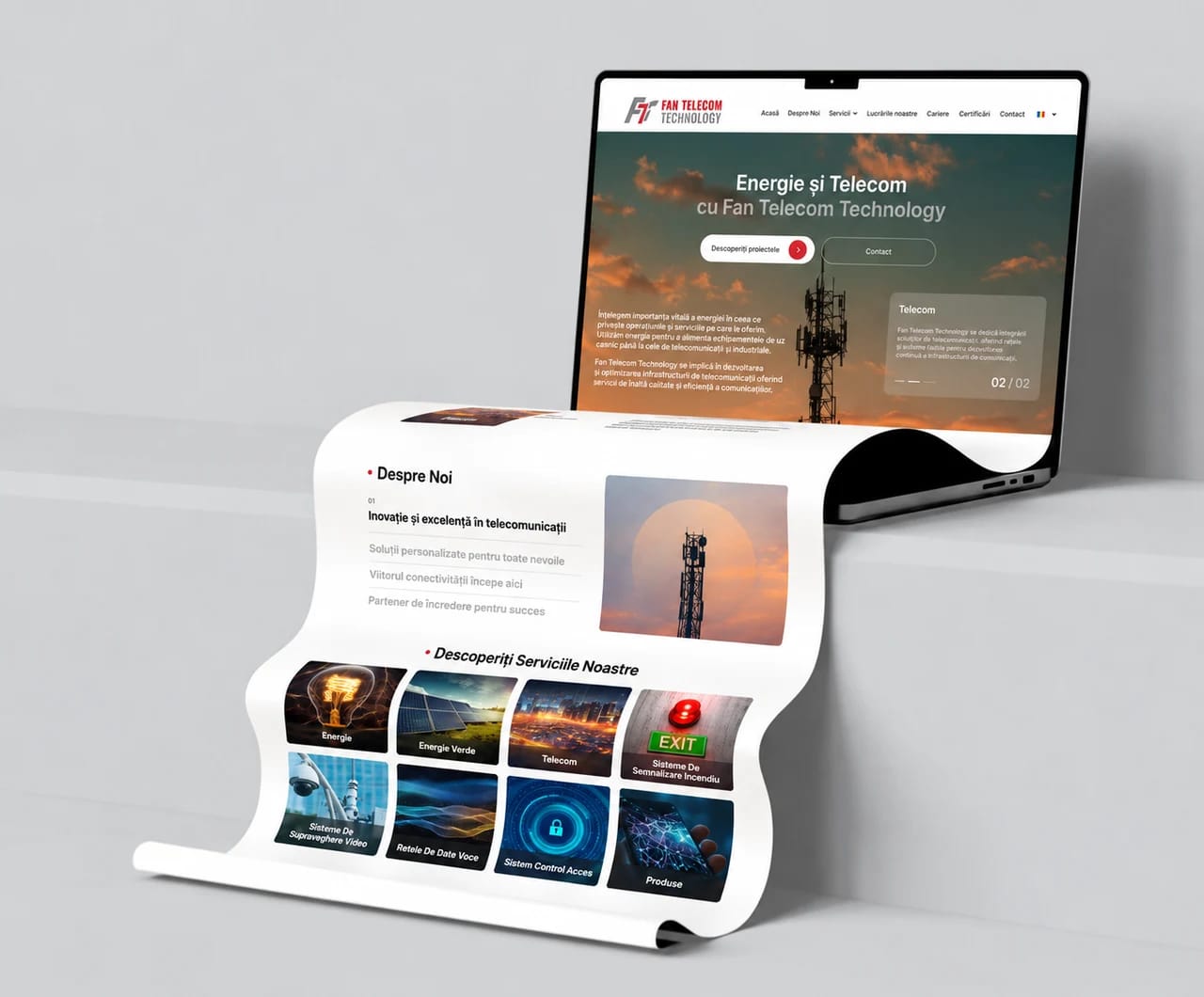
Explains the offer and sends enquiries to the sales team.
Connects buying to stock, invoicing and delivery.
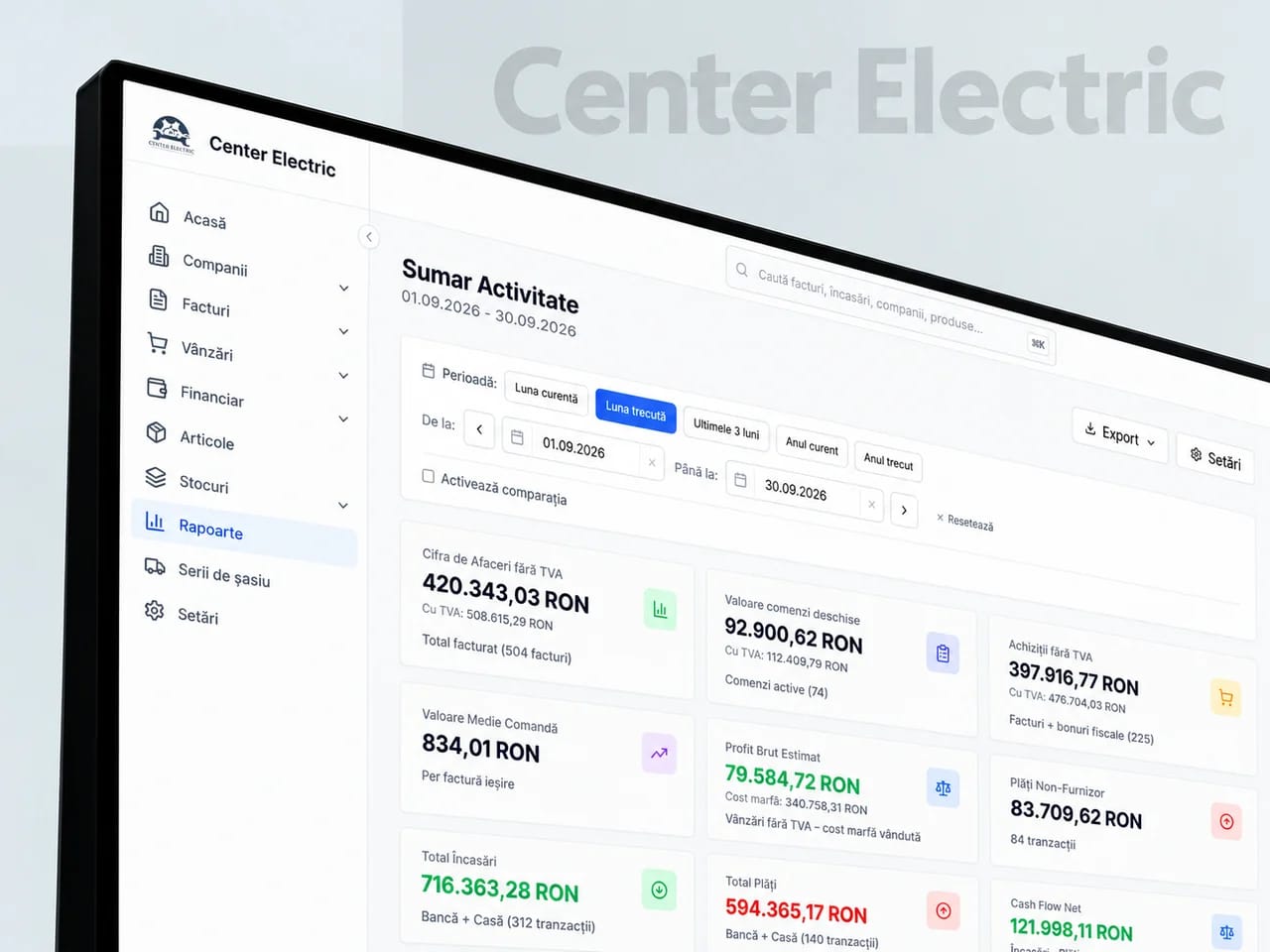
Brings clients, orders, documents and the warehouse together.
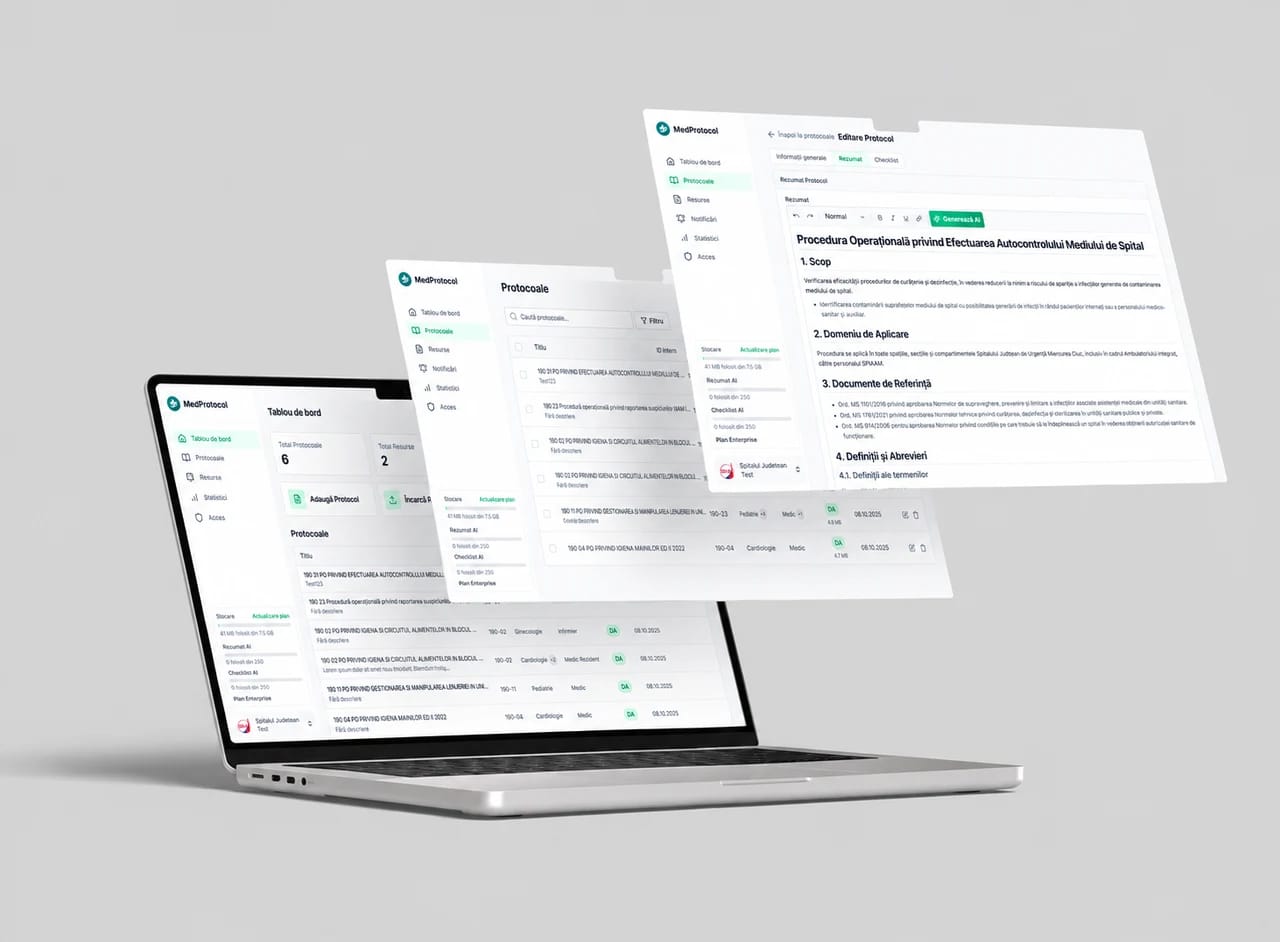
Takes over the repetitive tasks between your team’s apps.
Connects your company’s identity and message to the campaigns that bring enquiries.
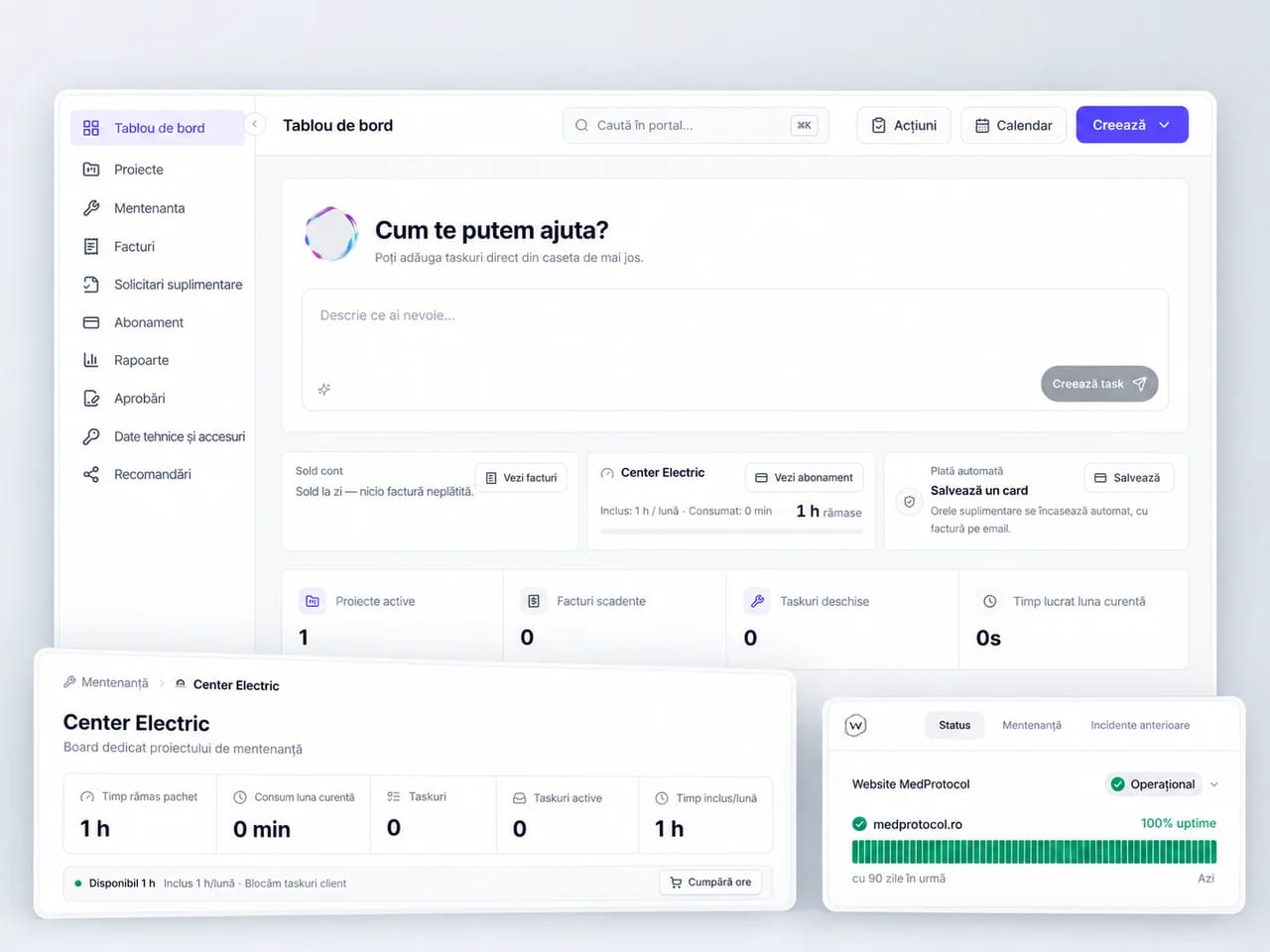
Keeps your website and connected systems running.
