
Colleagues hunt for the latest document.
The team compares files and messages before they know which version they can use.
APPS FOR TEAMS AND CUSTOMERS
Your colleagues search for documents on their phones or wait until they are back at a computer to finish a task. We build mobile apps around their work, with access to the information and features they need.
COMPANIES WE HAVE BUILT FOR








SOUND FAMILIAR?
The team compares files and messages before they know which version they can use.
A colleague makes notes on a phone, then copies them into a program and checks the details again.
Users scroll through information that does not concern them before they find their task.
IN SHORT
The Webmate team builds mobile apps for iOS and Android, together with the web administration and the integrations they need. We start from user tasks and agree what information each user can view or change.
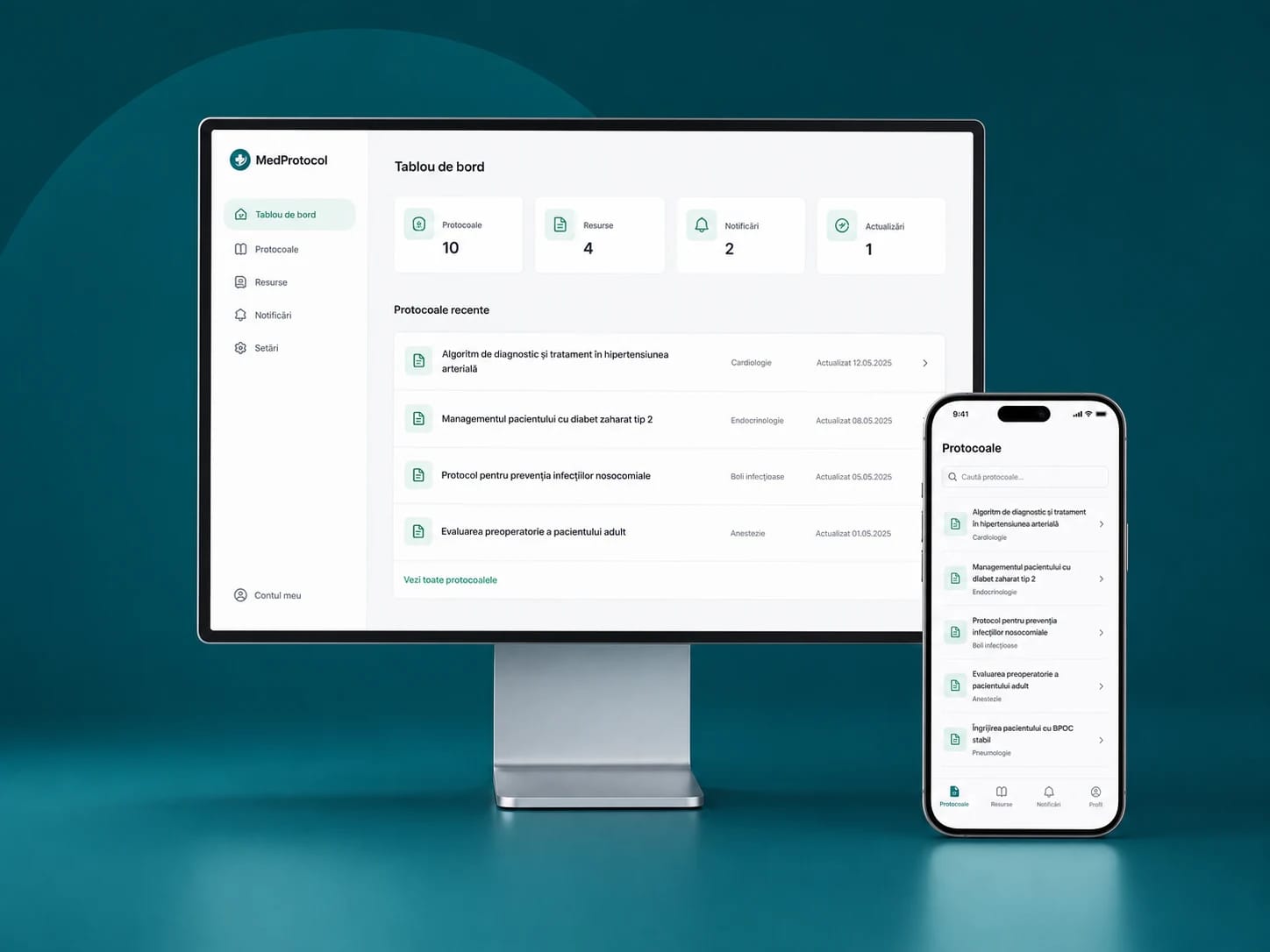
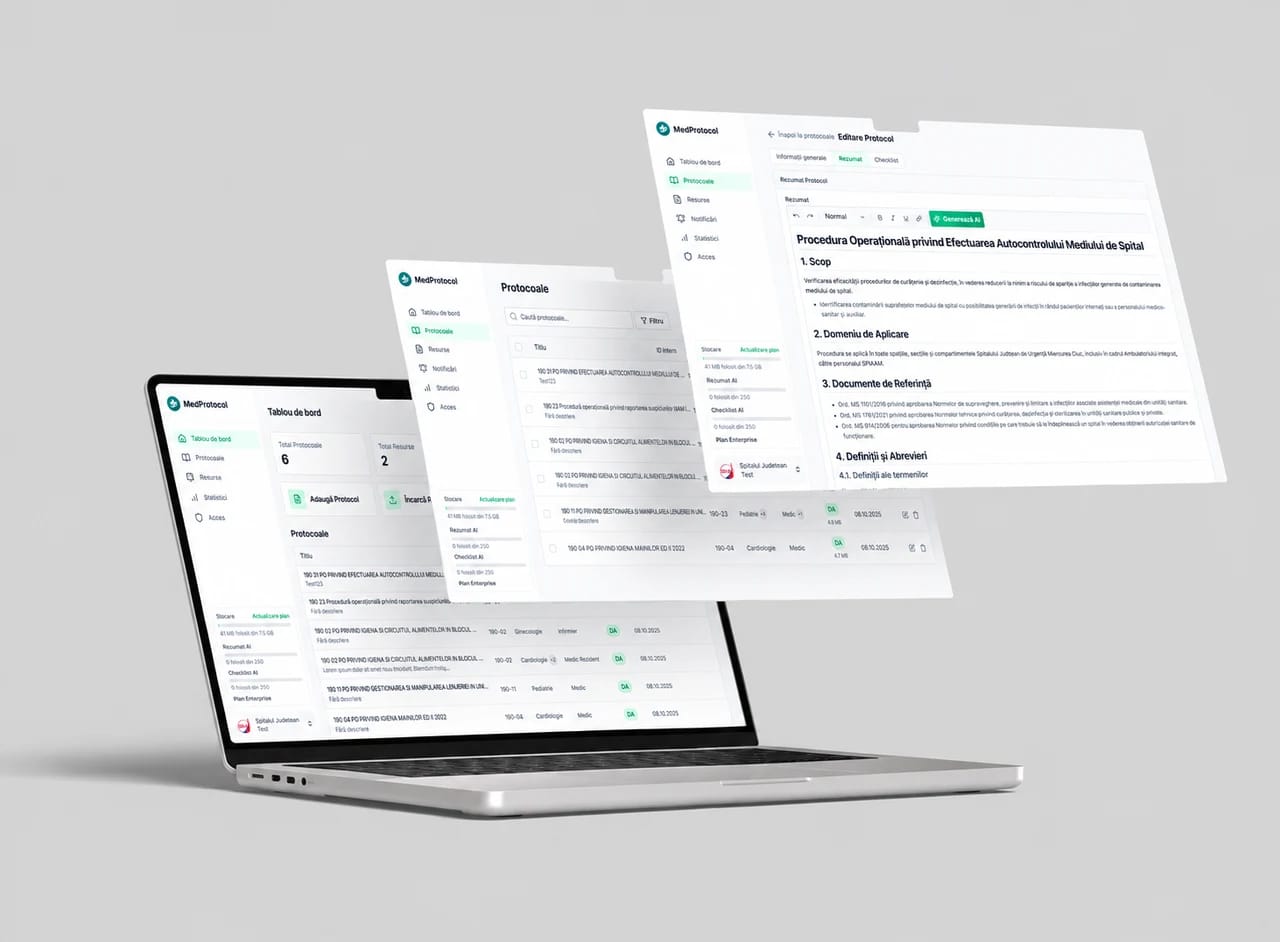
For MedProtocol we built a web and mobile platform for protocols, training and notifications. Staff see the resources that match their role, and managers can follow training progress.
CHOOSING THE PROJECT
We check whether a mobile-friendly website meets the need or whether you need an installed app. The choice depends on how often people use it, access to device features and working conditions.
The budget depends on features, roles, integrations and the platforms we launch on. Offline use, data stored on the phone and sync are agreed separately, when you need them.
Apps usually connect to a web platform or to your business systems. See how we approach business systems and API integrations between business systems.
WHO WE BUILD FOR
The two types of app start from different questions and are published differently.
| Criterion | App for your team | App for your customers |
|---|---|---|
| Who uses it | Colleagues: medical staff, technicians, sales agents, warehouse | Your customers, on their own phones |
| What they do in it | Check procedures, fill in forms, receive tasks | Order, book, see their account and history |
| What matters most | Role-based access and the link with internal systems | Simple screens and a reason to install it |
| How it reaches the phone | From the App Store and Google Play, with access only for company accounts | Publicly, from the App Store and Google Play |
| Example | MedProtocol: protocols and training for hospital staff | Agreed around your sales model |
WHICH TYPE OF APP
The choice changes the cost, the device features the app can use and the way you update it.
| Criterion | Native (Swift and Kotlin) | One codebase for iOS and Android | Mobile-friendly website |
|---|---|---|---|
| Code | Separate for iOS and Android | One codebase, published on both | One website |
| Camera, notifications, offline use | Full access | Access to most features | Limited access |
| Publishing | App Store and Google Play | App Store and Google Play | No app stores |
| Effect on budget | Large, two apps | Medium | Small |
| Best for | Daily use and phone features | Common features on both platforms | Occasional use, no install |
The MedProtocol apps are native: Swift for iOS and Kotlin for Android, connected to the same web platform.
WHAT MOVES THE PRICE
The effect comes from the proposals we write. It compares factors and is not a rate card.
| Criterion | Effect on budget | Why |
|---|---|---|
| Both iOS and Android | Large for native apps | Two apps, built and tested separately |
| Different roles | Medium | Each role sees different screens and data |
| Offline use | Large | Data is stored on the phone and synced when the connection returns |
| Link with your ERP or CRM | Large | Access, permissions and error handling are built for each program |
| Web admin platform | Medium | Someone has to add content and users without a developer |
| Notifications | Small to medium | Rules for who receives what and when |
PUBLISHING
App store fees are public and are paid directly to Apple and Google from your company account.
| Criterion | Public fee | In whose name |
|---|---|---|
| Apple Developer Program | 99 USD a year | Your company, so the app stays yours |
| Google Play Console | 25 USD, one-time fee | Your company, so the app stays yours |
Apple and Google review every app before it goes live. We plan the launch with that review in mind.
FROM OUR WORK
Protocols and documents were split across folders and files that were hard to update. We built the web platform and mobile apps with role-based access, search, training and notifications. Staff can check the same up-to-date version of the resources on the device they use.
See the MedProtocol project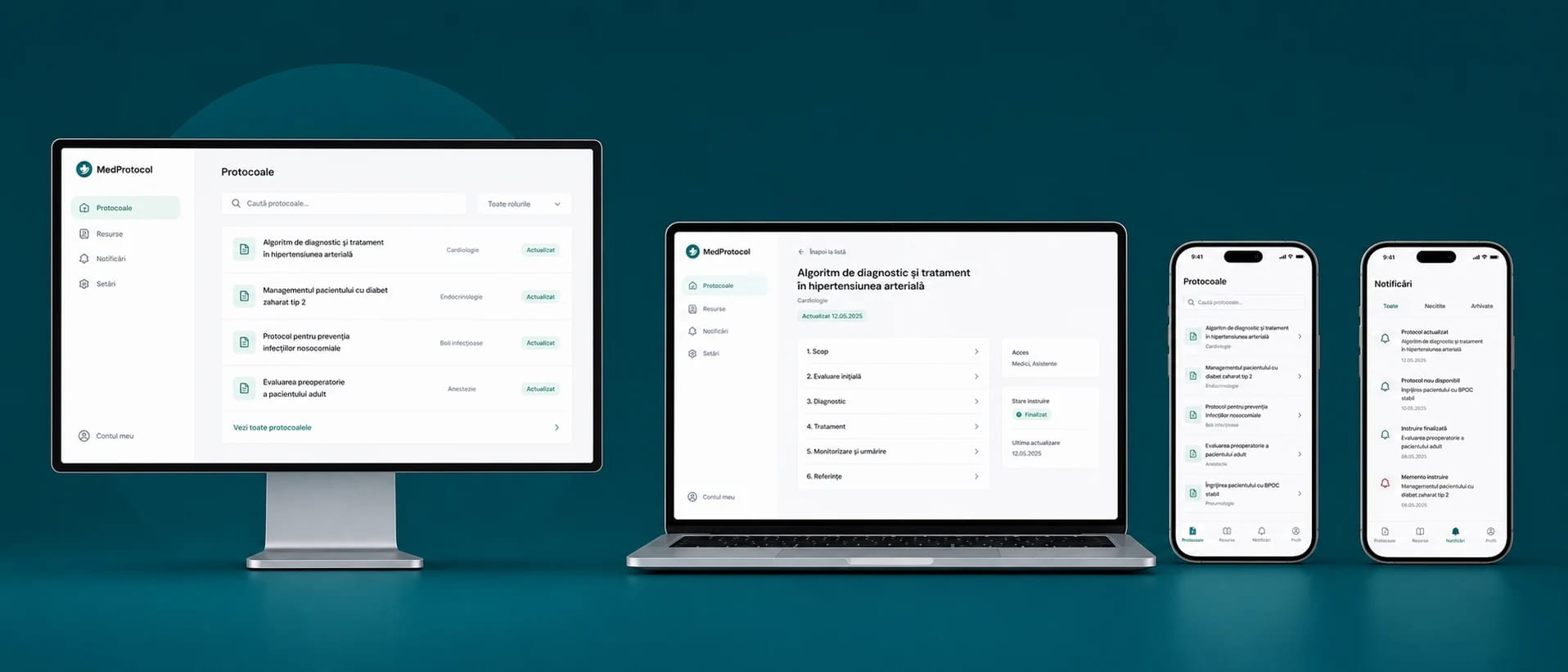
HOW WE WORK
We clarify what they do on the phone, what data they need and what stops them from finishing today.
We test screens, role-based access and integrations on examples from your daily work.
We agree publishing, accounts, updates and how users report problems.
FREQUENTLY ASKED QUESTIONS
Platforms, data access and support are agreed in the proposal.
Yes. MedProtocol is a Webmate project with a web platform and apps for iOS and Android. For each project we agree the devices, features and administration before development.
We start from what the user needs to do and how often. If a mobile-friendly website covers the need, we keep it as the option. An app is justified by specific tasks and features.
We check the available access, documentation and permissions of your current system. After that check we confirm what a user can view or change from the app.
The cost depends on features, user roles, the platforms you choose and integrations. The proposal separates development, store submission and maintenance, including any third-party platform fees.
We discuss which information must be viewed or filled in offline and what can be stored on the device. Sync rules and the limits of offline use are agreed separately in the project.
Apple charges 99 USD a year for the Apple Developer Program, and Google charges a one-time 25 USD fee for Google Play Console. The accounts are opened in your company’s name.
Yes. The MedProtocol apps are native, written in Swift for iOS and Kotlin for Android. For other projects we choose the technology based on features and budget.
The proposal states who owns the accounts, who prepares each release and who maintains the app. Publishing also depends on Apple and Google reviews, and later updates need a named owner.
NEXT STEP
Describe one task and who does it today. On the first call we clarify what the app should include and which systems we need to check.
Book a callHOW THE STEPS CONNECT
The team records the order.
Checks the products and documents.
Prepares the order.
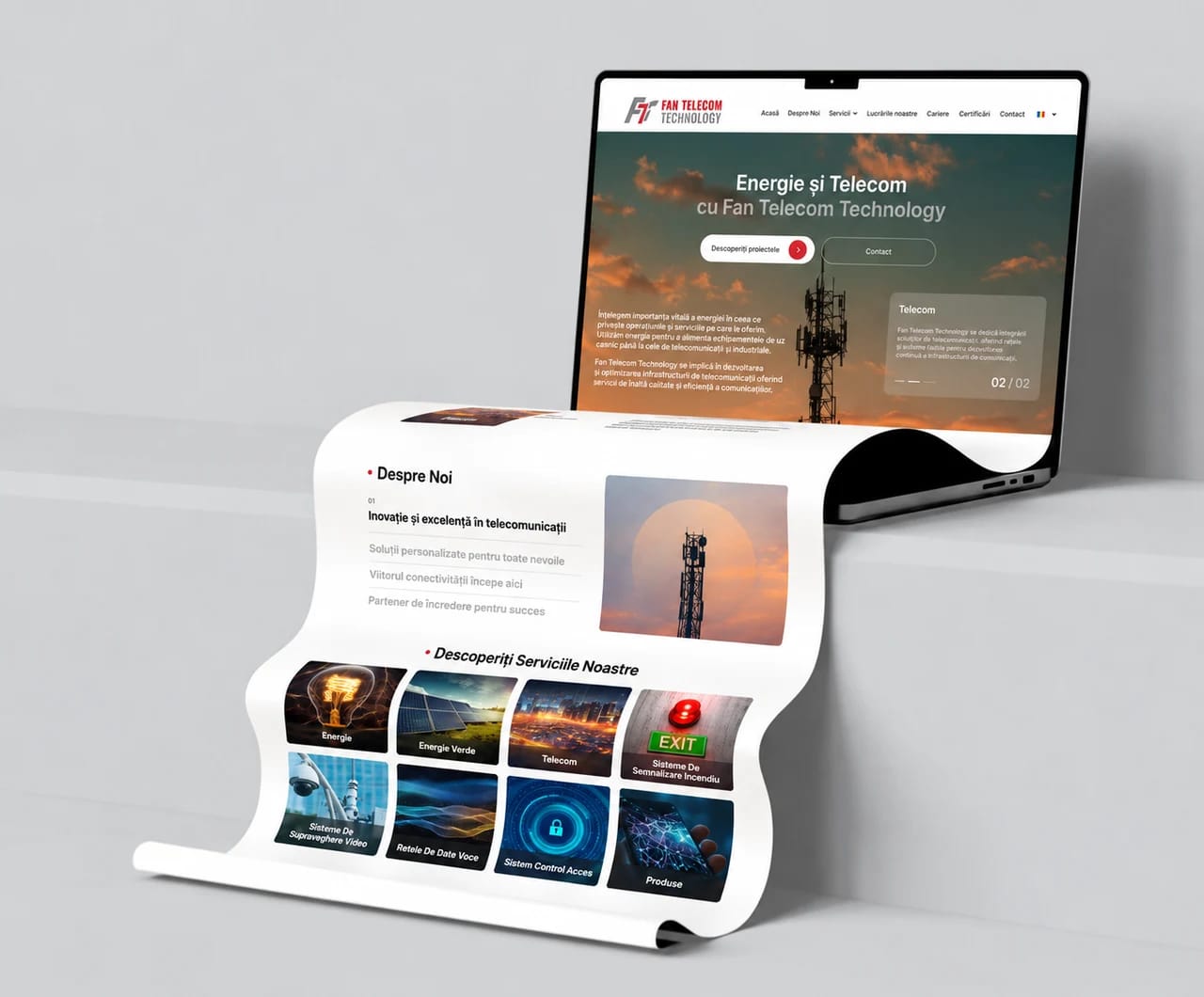
Explains the offer and sends enquiries to the sales team.
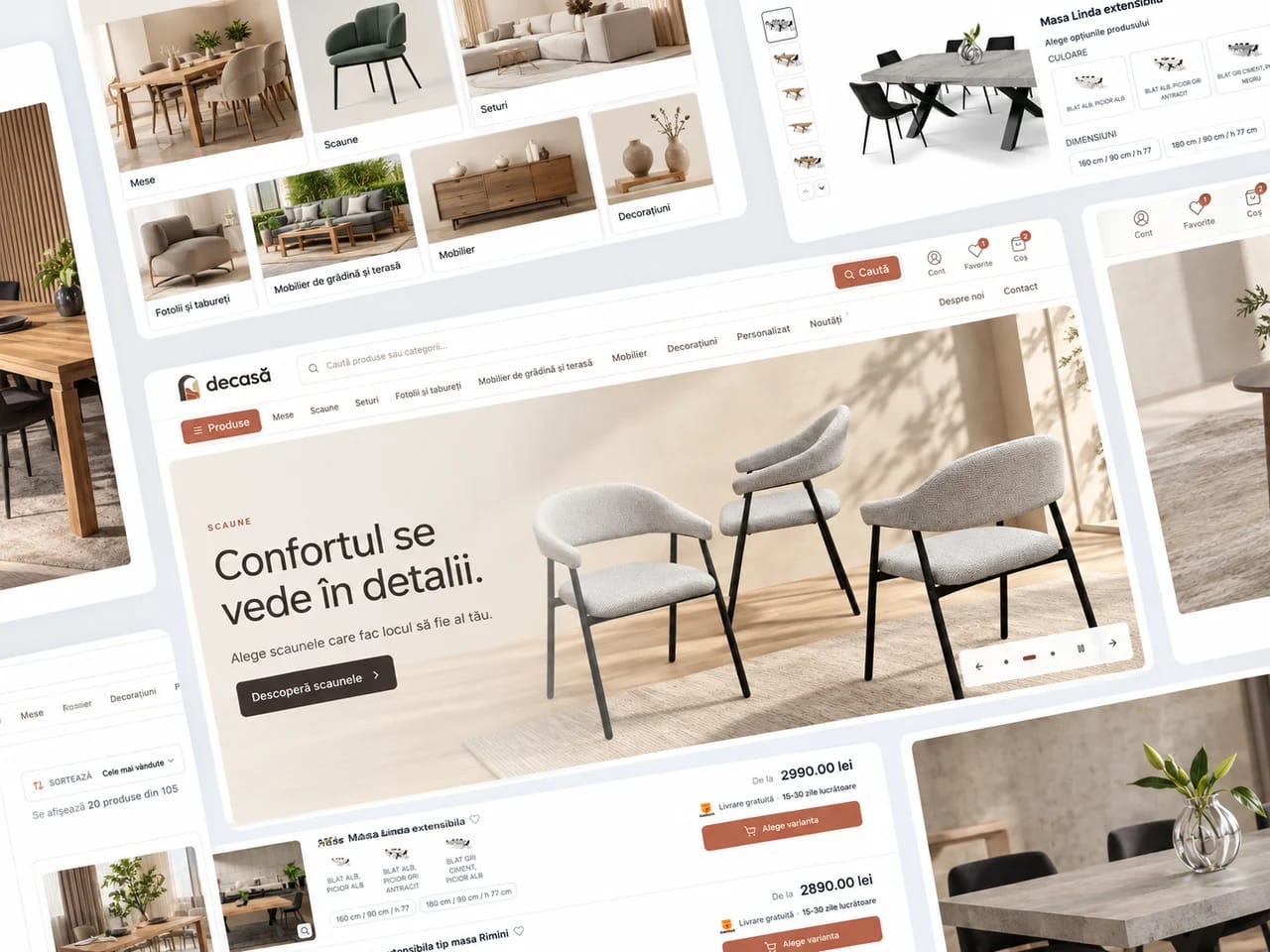
Connects buying to stock, invoicing and delivery.
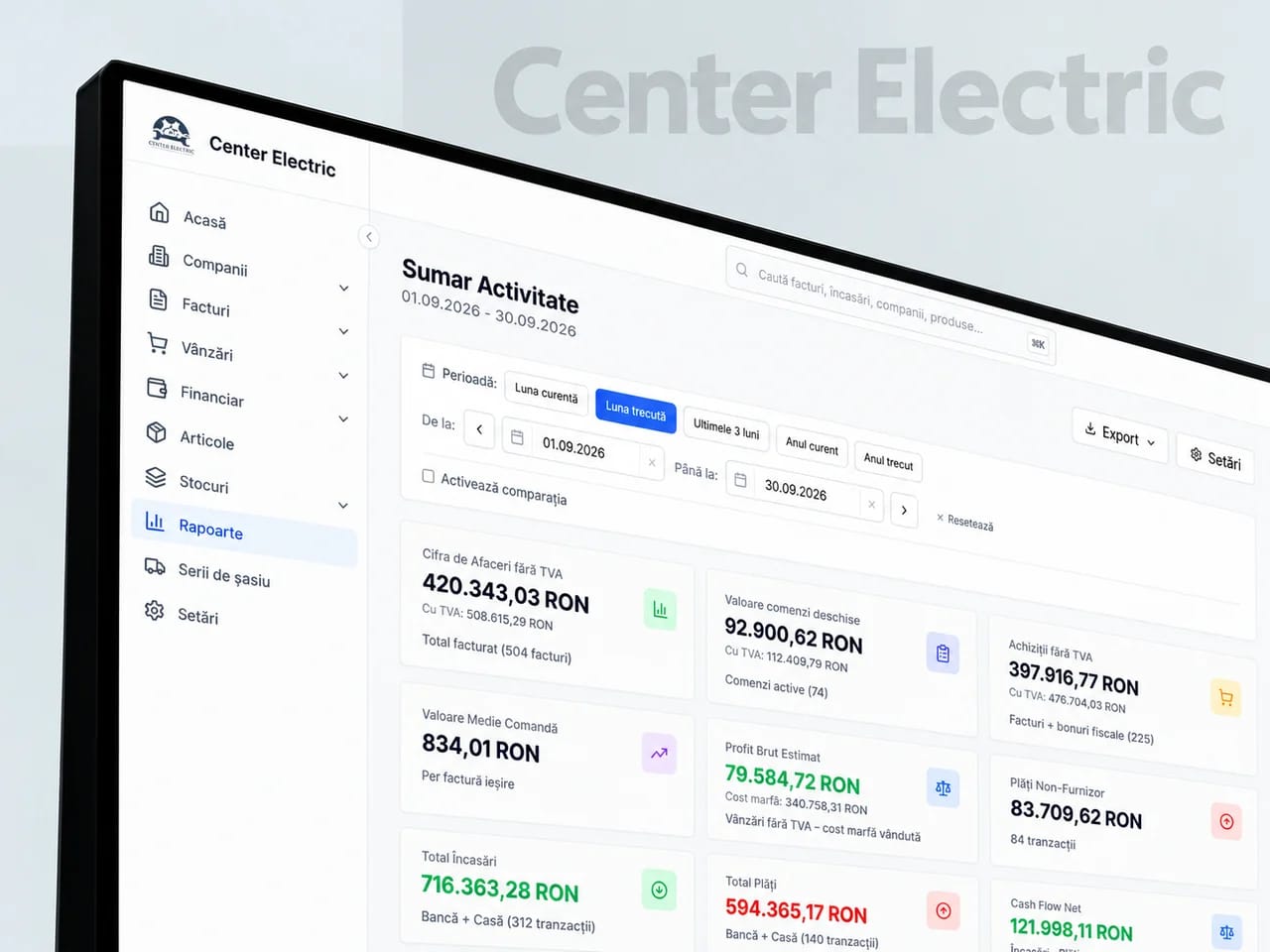
Brings clients, orders, documents and the warehouse together.
Takes over the repetitive tasks between your team’s apps.
Connects your company’s identity and message to the campaigns that bring enquiries.
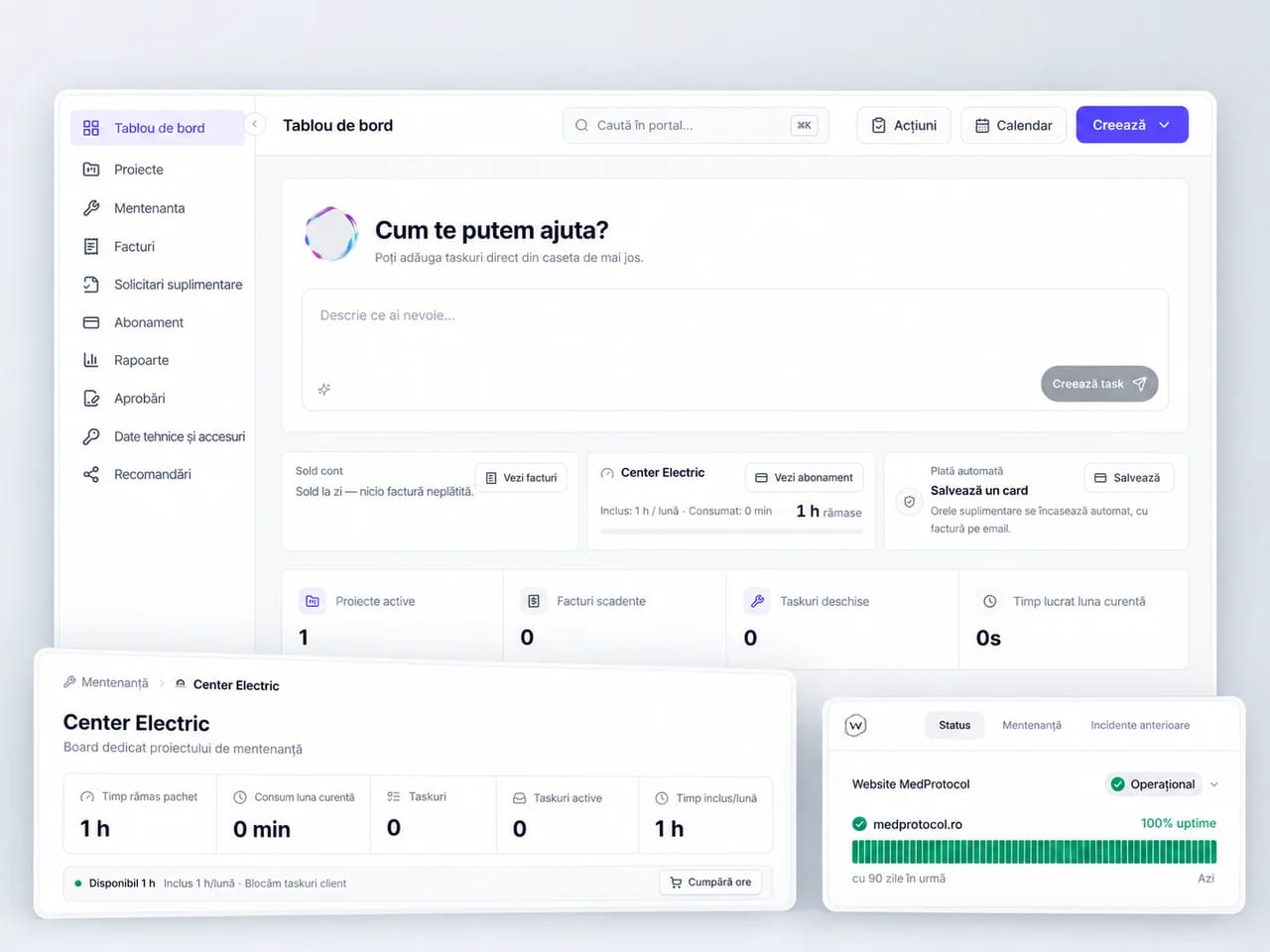
Keeps your website and connected systems running.
