
Business management systems
ERP, CRM and WMS systems
We build systems adapted to the way your company works: orders, clients, stock, warehouse, quotes, invoices and the team activity.
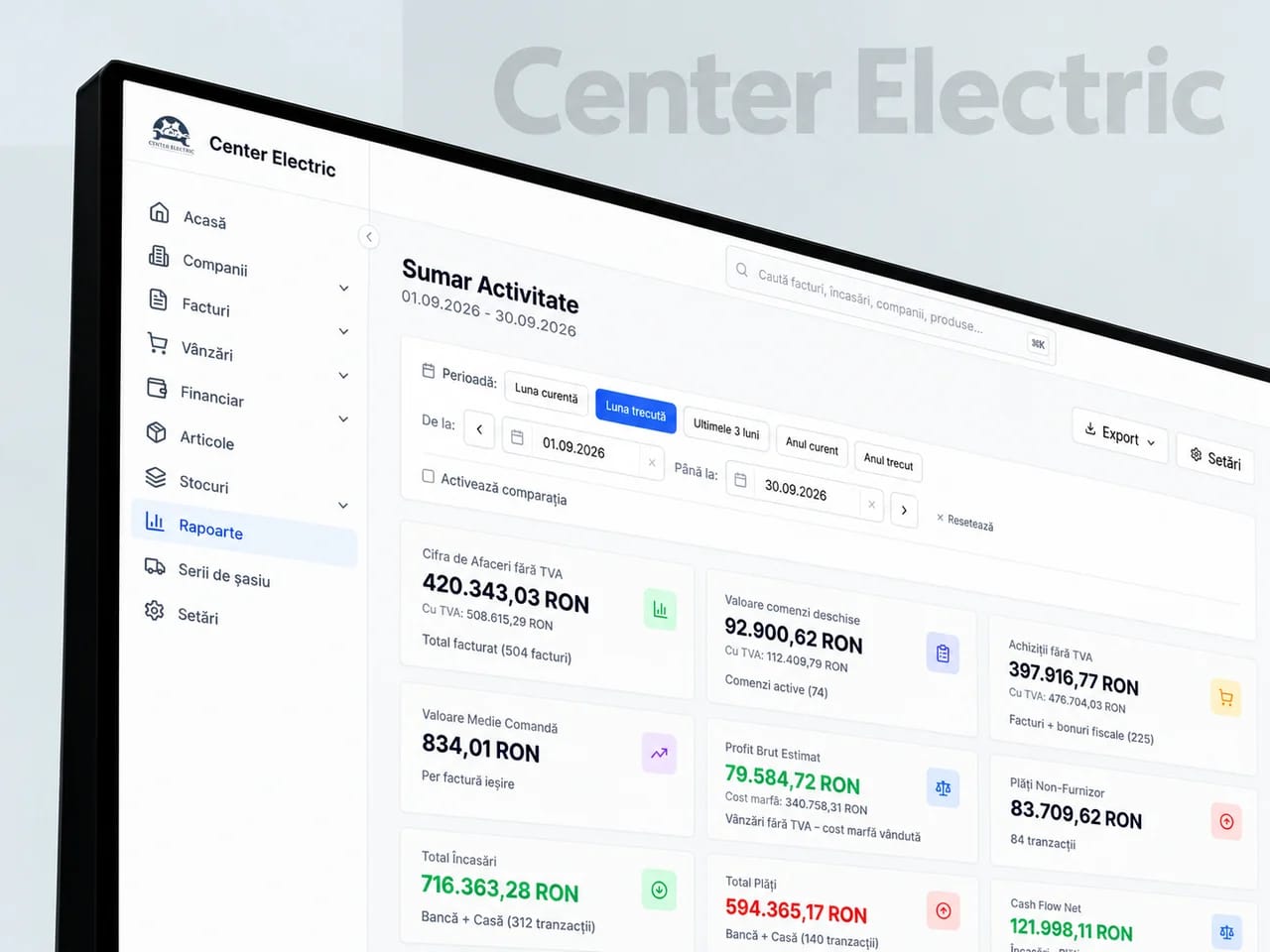
FROM THE WEBMATE PORTFOLIOCenter Electric
COMPANIES WE HAVE BUILT FOR





SOUND FAMILIAR?
We do not reshape your business to fit into a program.
We first understand how an order comes in, who picks it up, what documents appear and where time gets lost. Then we build the system around the processes that make the company work.
You cannot quickly see the status of orders, clients or stock
The team works in spreadsheets and apps that do not communicate
WHAT THE SERVICE INCLUDES
Modules for operations, sales and the warehouse
We choose the deliverables around what your company needs. The modules, integrations and responsibilities included are set out in the proposal.
WHAT WE BUILD · 01
Operations and resource management
An ERP for orders, purchasing, products, documents, costs and the daily activity.
What you receive
- ERP modules chosen for your processes
- Configured statuses, documents and responsibilities
What it gives you
Orders, purchases and documents follow one shared path.
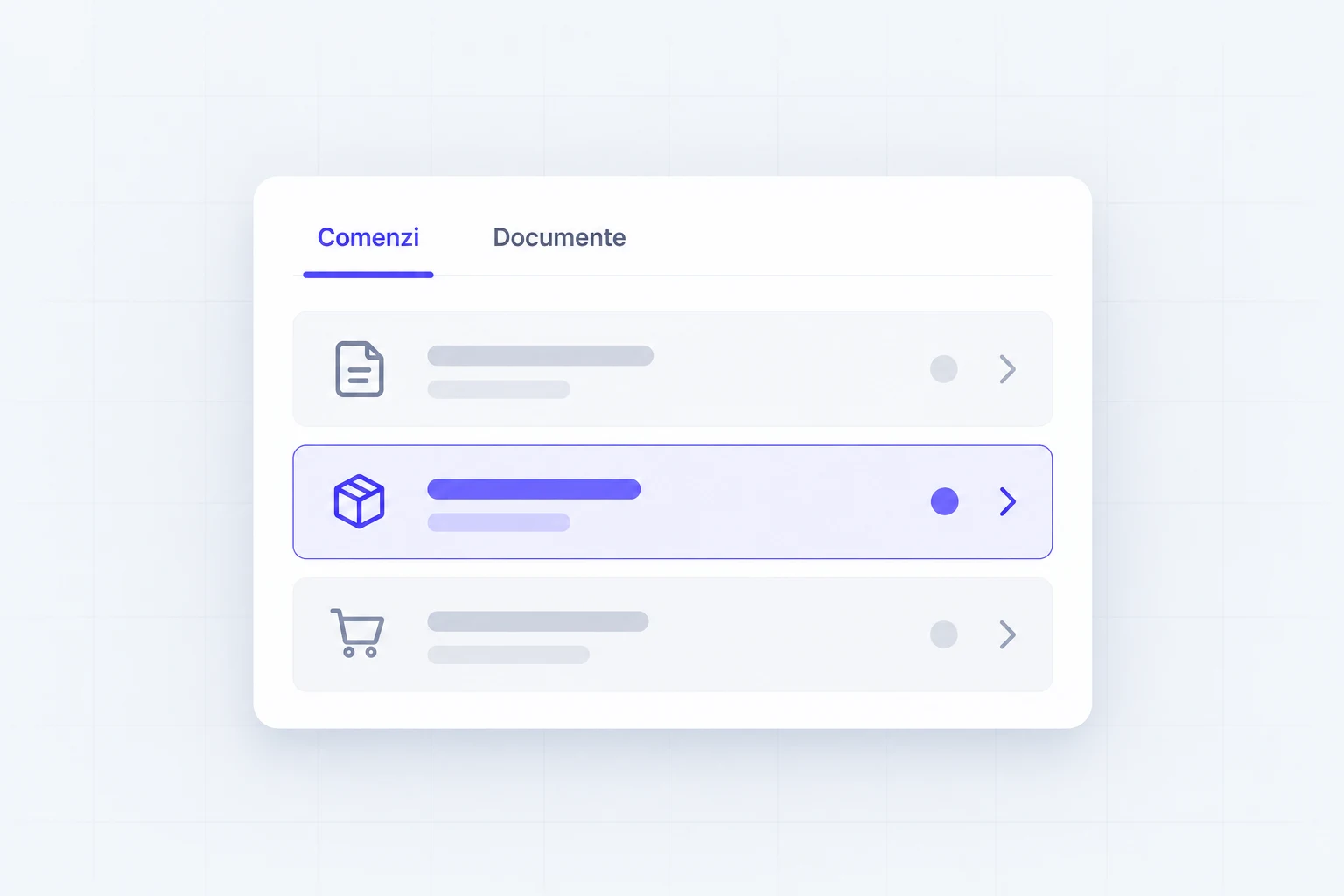
UI/UX ELEMENTS · SERVICE ILLUSTRATION
WHAT WE BUILD · 02
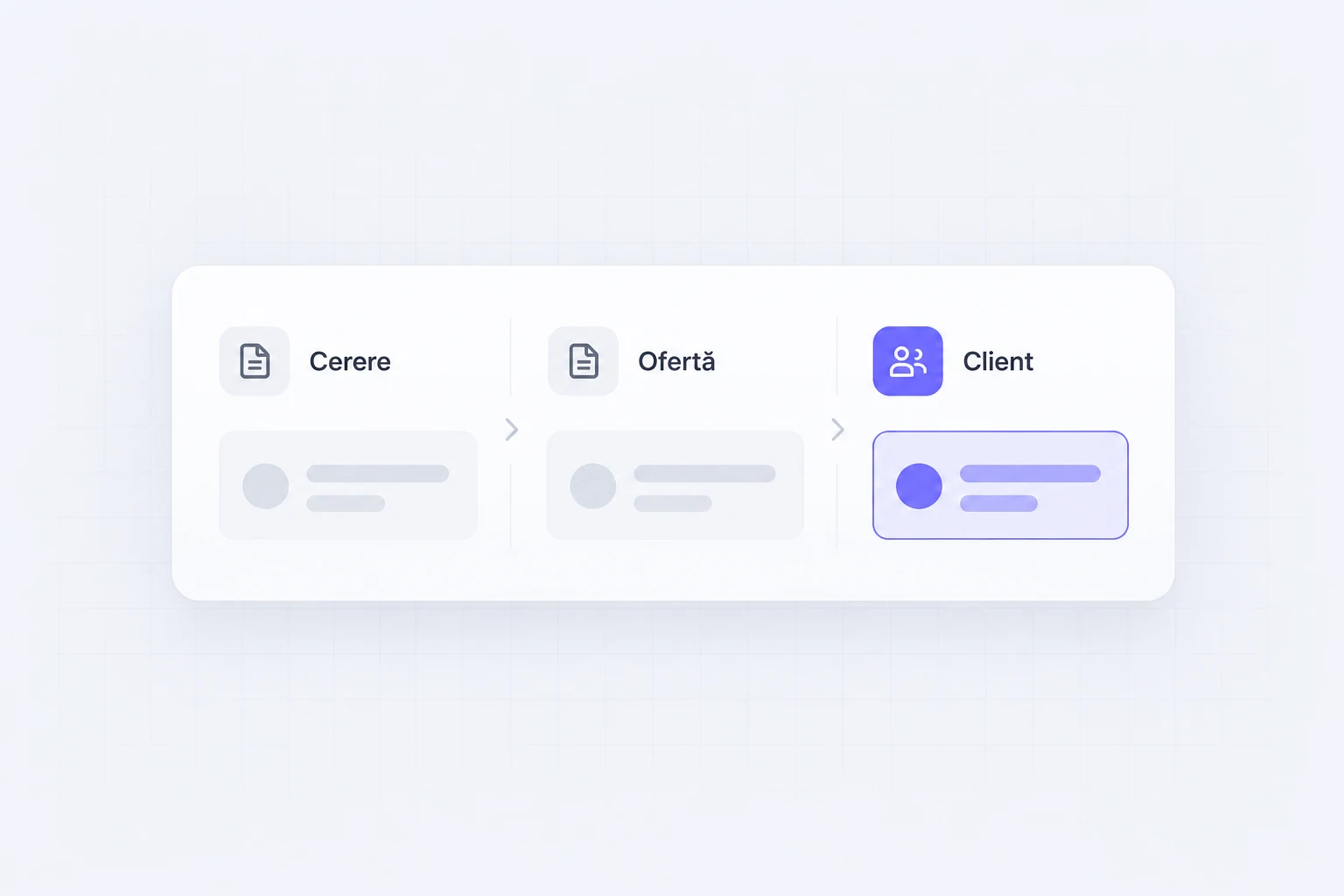
Client and sales management
A CRM for leads, quotes, conversations, opportunities and tracking the sales team.
What you receive
- Client records, quotes and opportunities
- Tasks and history for the sales team
What it gives you
You can follow an enquiry from first contact to decision.
UI/UX ELEMENTS · SERVICE ILLUSTRATION
WHAT WE BUILD · 03
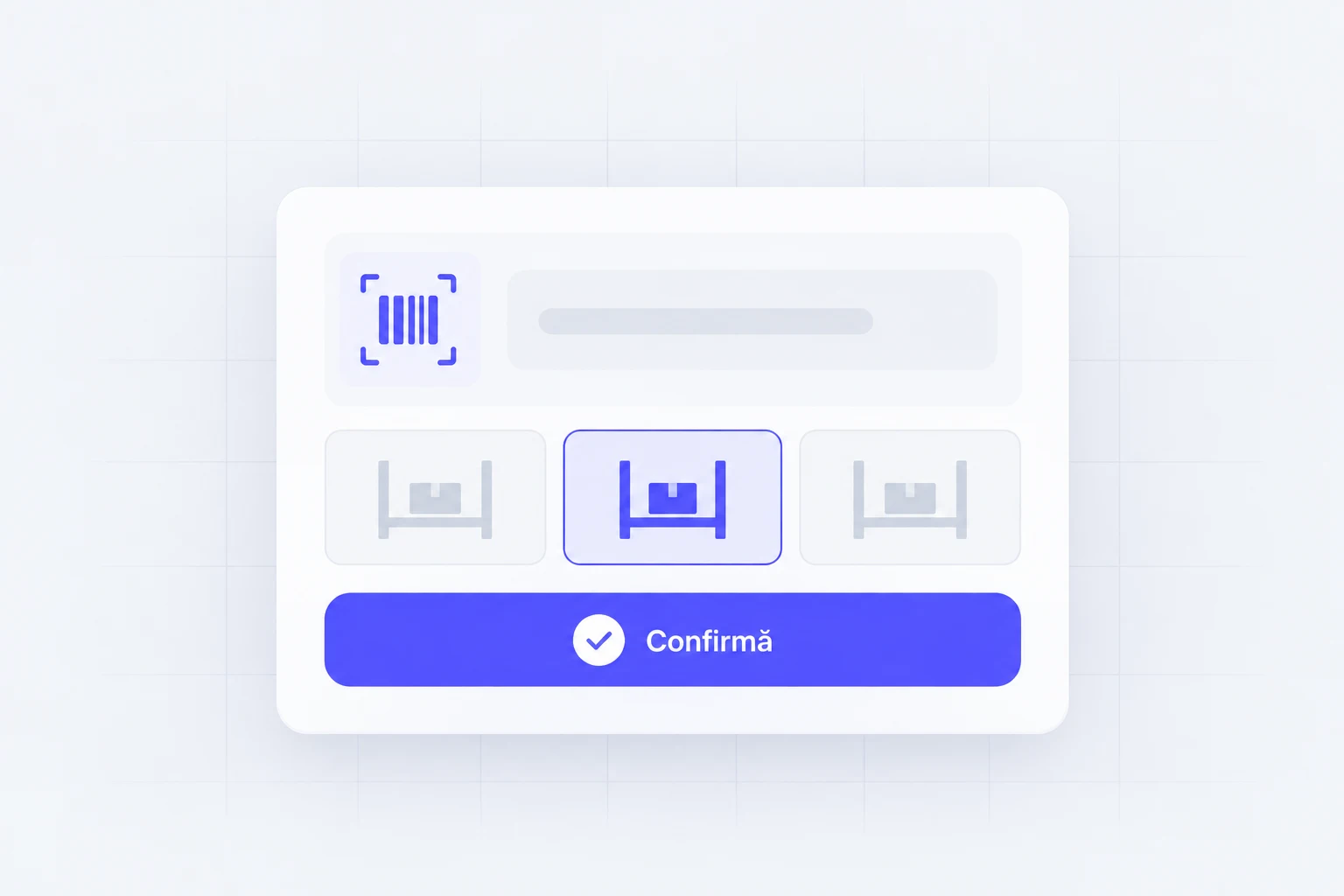
Warehouse and stock management
A WMS for receiving, locations, scanning, order picking and real-time inventory.
What you receive
- Receiving, location and picking workflows
- Scanning and stocktaking on the agreed devices
What it gives you
Your team knows what to receive, find and prepare.
UI/UX ELEMENTS · SERVICE ILLUSTRATION
WHAT WE BUILD · 04
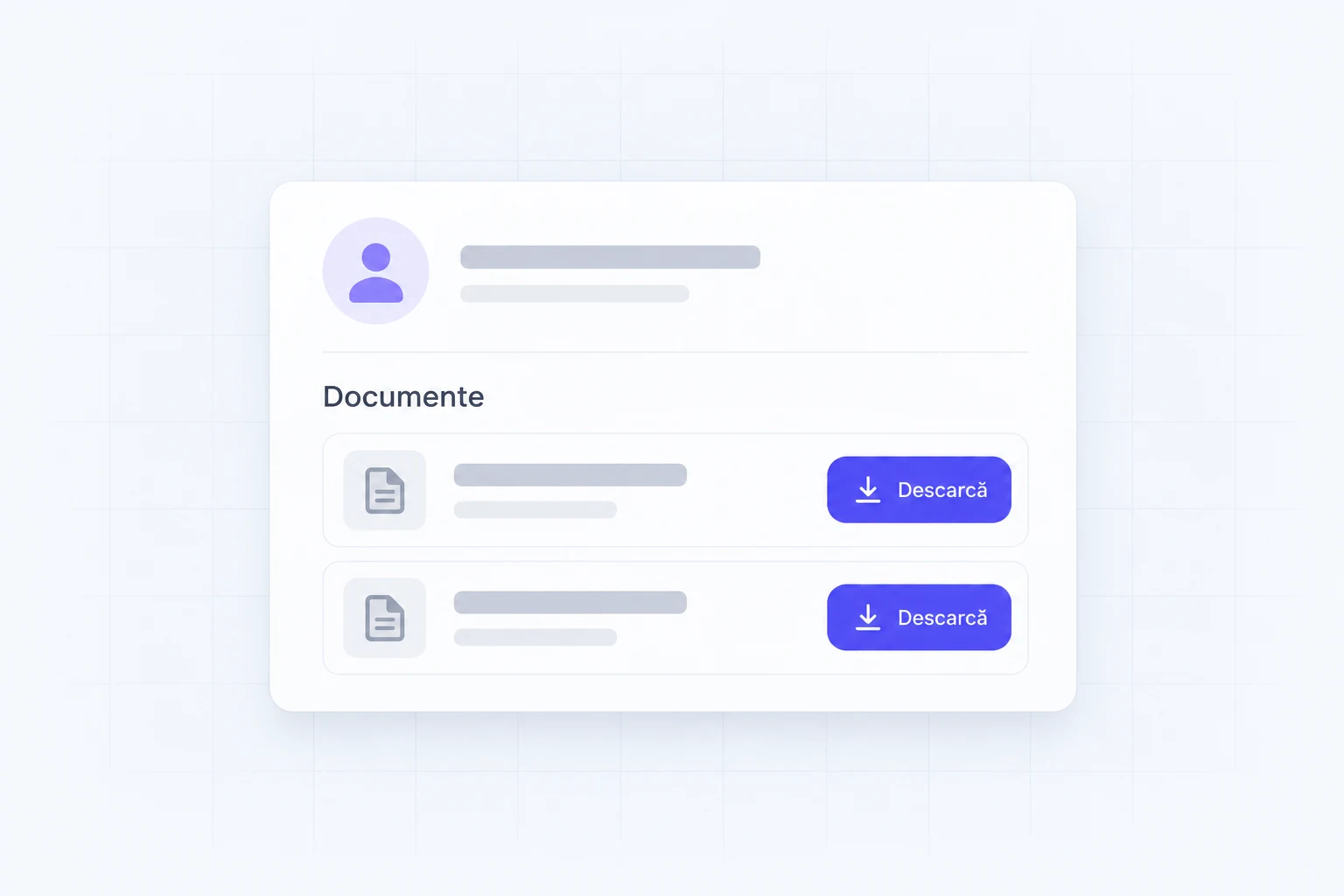
Client and partner portals
Secure access to orders, documents, prices, requests and the information relevant to each user.
What you receive
- Accounts and access for clients or partners
- Orders and documents available by permission
What it gives you
Clients find their documents without asking every time.
UI/UX ELEMENTS · SERVICE ILLUSTRATION
WHAT WE BUILD · 05
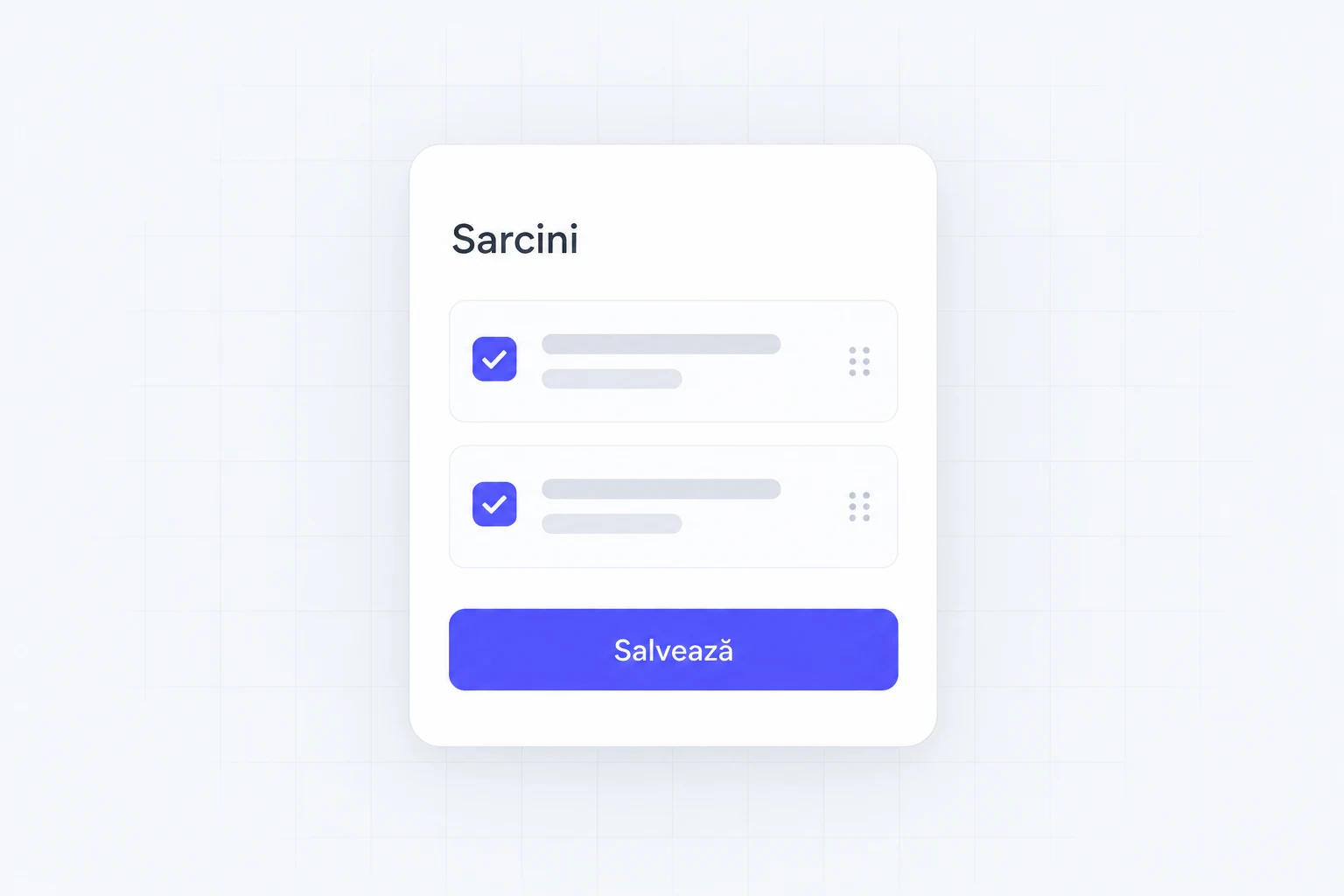
Web and mobile applications
Tools for the field, the warehouse, management or clients, built for the real tasks of each team.
What you receive
- Interfaces for phone, field or warehouse
- Actions and access adapted to each role
What it gives you
People can record their work where they do it.
UI/UX ELEMENTS · SERVICE ILLUSTRATION
WHAT WE BUILD · 06
Integrations and reporting
We connect invoicing, e-Factura (Romania’s mandatory e-invoicing system), couriers, payments and your existing platforms into one clear picture.
What you receive
- The agreed integrations and error handling
- Reports for the decisions agreed with your team
What it gives you
Information moves between programs by rules you can check.
UI/UX ELEMENTS · SERVICE ILLUSTRATION
IN PRACTICE
ERP, CRM and WMS systems: an example from our portfolio
 Center Electric
From paper notes and manual checks to a connected warehouse.
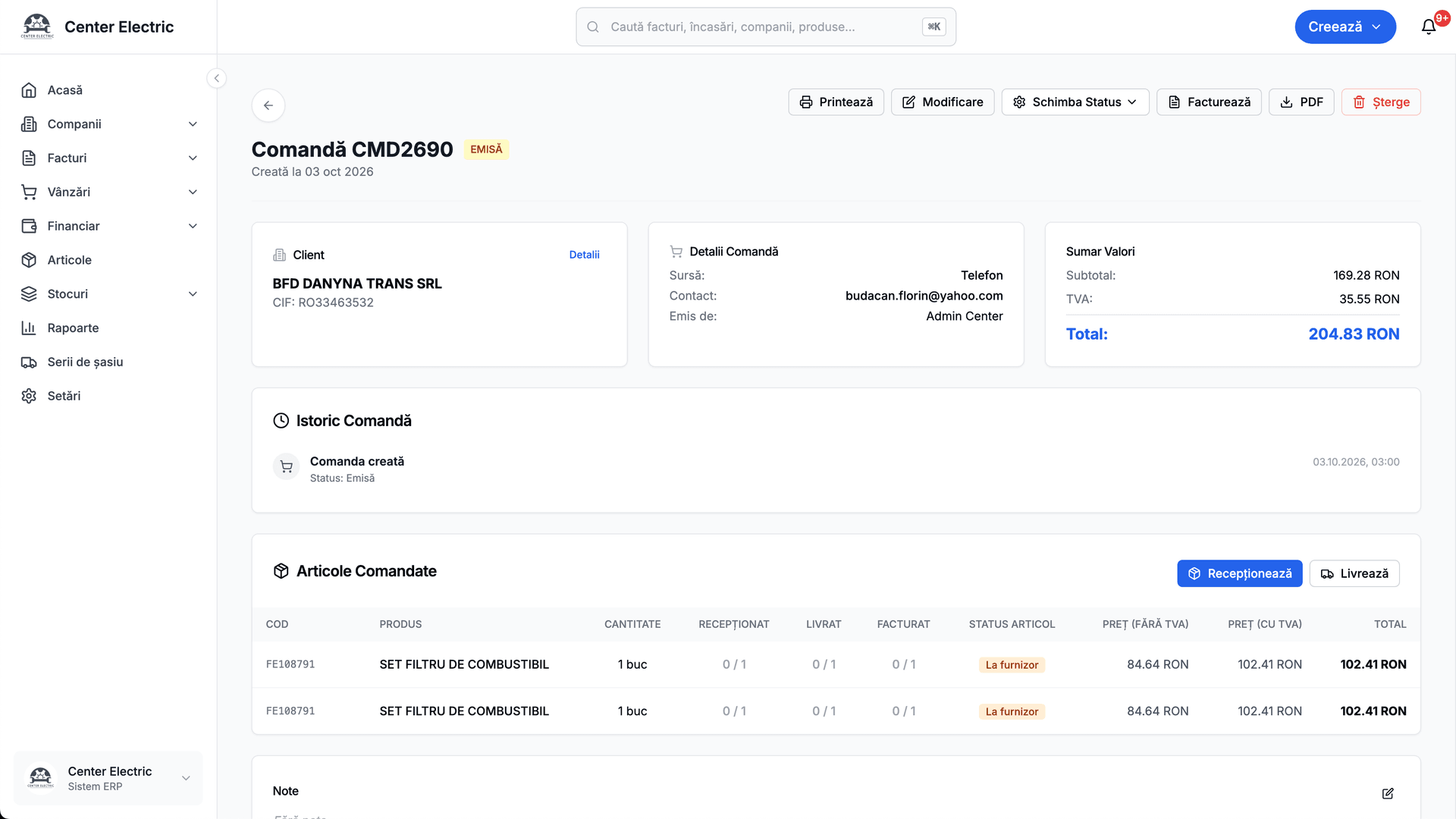
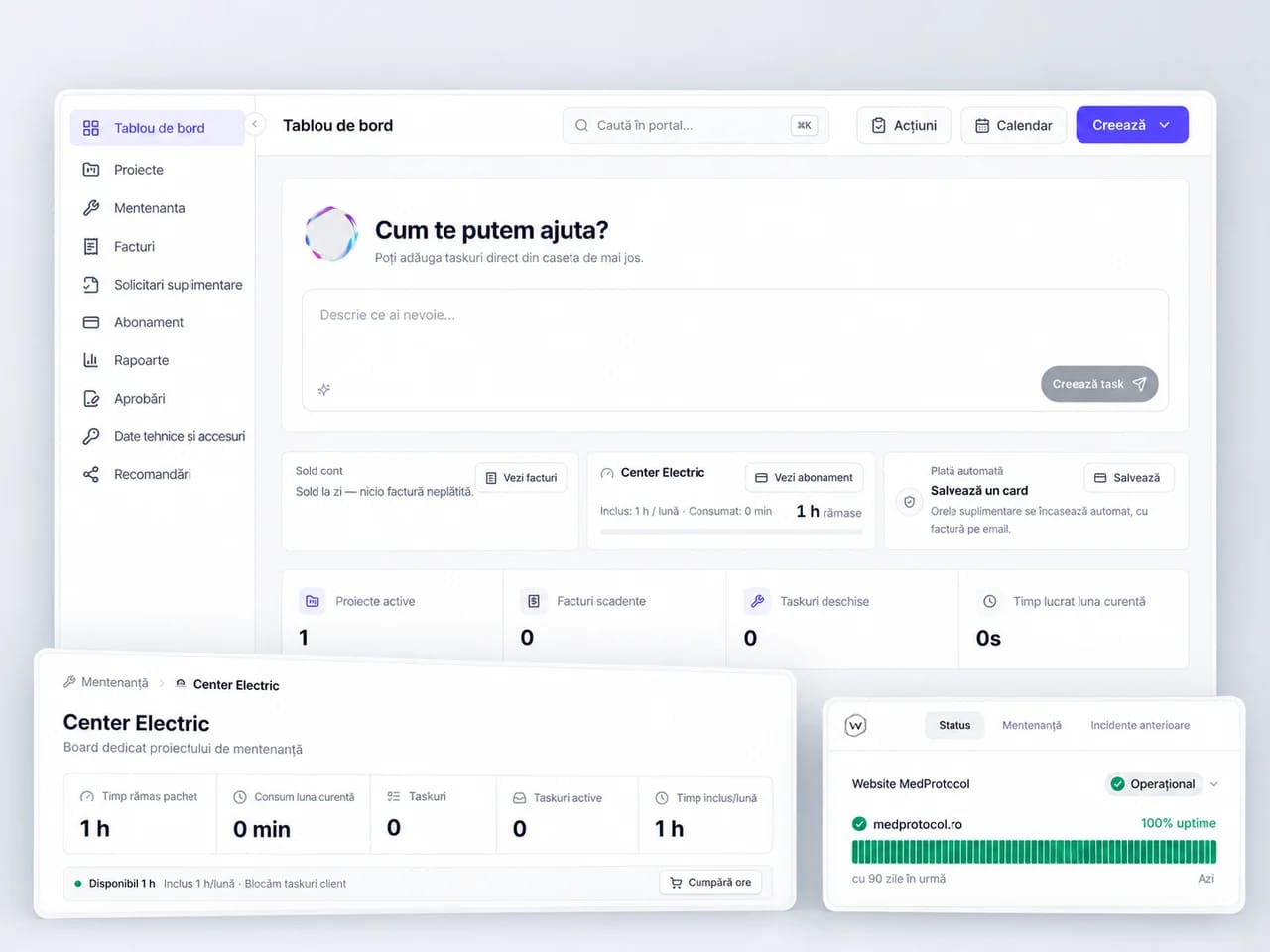
For Center Electric we connected the online store to a warehouse management system and to the company resource management. Orders, stock and documents now flow through the same system.
See the case study2018The year Center Electric became a Webmate client
Ecommerce + WMS + ERP/CRMDeliverable
Fewer operational errorsResult
Center Electric
INTERFACE FROM THE Center Electric PROJECT
WHAT CHANGED
Center Electric has worked with Webmate since 2018, and the system has grown with the business.
VALUE FOR YOUR COMPANY
What you gain from an ERP, CRM or WMS
See your orders without calling the team.
Status, owner and documents are in one place. The question “where are we with this order?” has an answer in the system.
The same data is not copied at every step.
Client, product and document data flows between the connected stages. We remove repeated data entry from the agreed workflow.
Sales always have a next step.
Enquiries and quotes have an owner and a stage. You can see which opportunities are waiting for a reply.
The warehouse works in defined steps.
Receiving, locations and order picking can be tracked through scanning and checks at every stage.
Each person sees the information for their role.
Access and responsibilities are defined. Processes do not live only in one colleague’s head.
Decisions start from the same source.
Reports use the agreed operational data, with clear rules for how figures are calculated and read.
HOW WE WORK
How we prepare and deliver the service
01
We follow a real order.
We see who steps in, what data they use and where exceptions appear. We choose the first process to change.
02
We build with the people who use the system.
We check the workflows on real examples, along with role-based access and the data that needs to move.
03
We introduce the change in stages.
We prepare the team, check the migration and expand once the first workflow is in use.
VISUAL OVERVIEW · CENTER ELECTRIC
BUILT FOR REAL USE
Organization shows in every order.
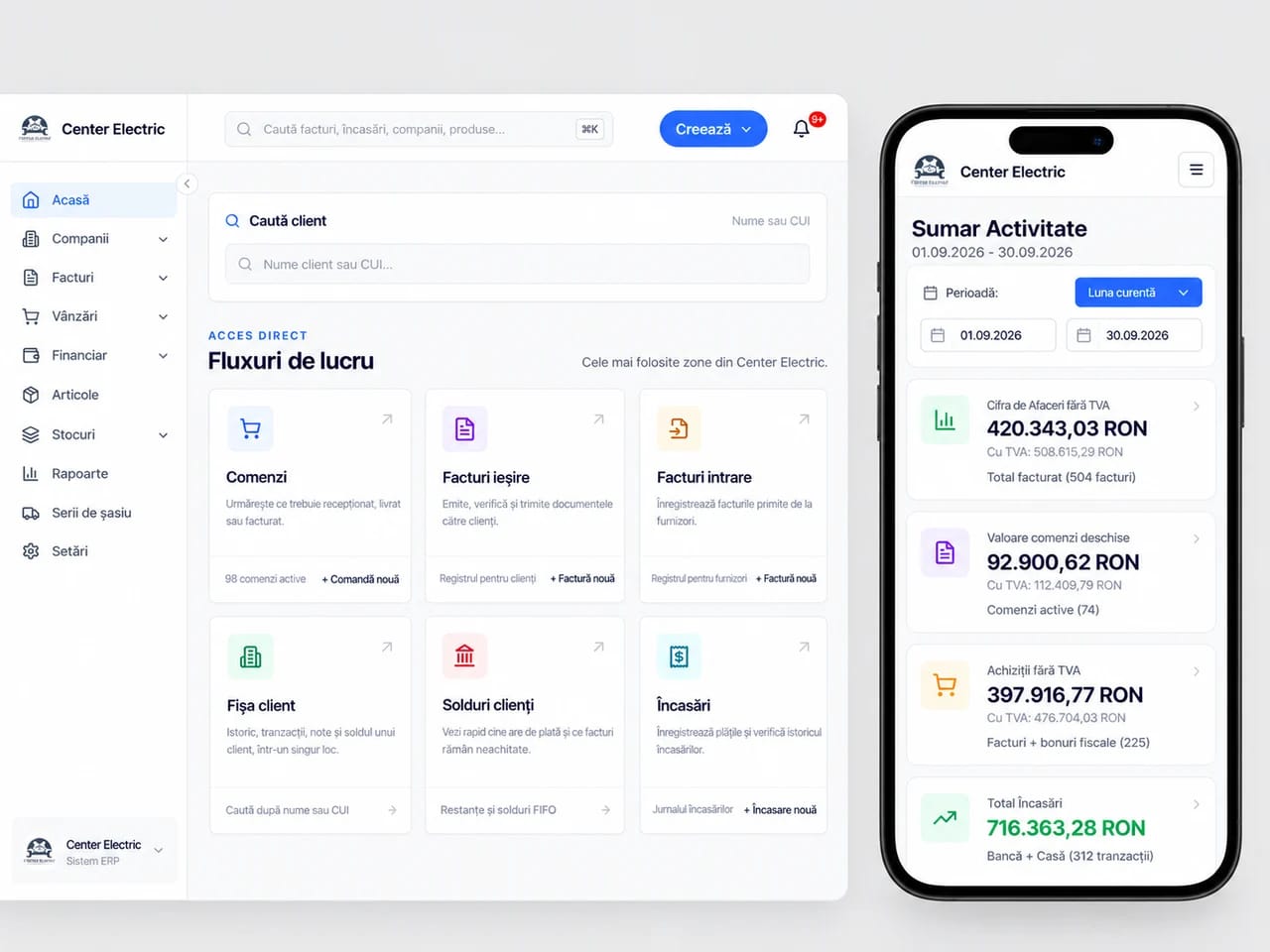
Who picks it up? What is in stock? What needs to ship? We build around these questions, with the right information for each role. The system follows your team’s work, including in the warehouse and in the field.
- One source for the data that matters.
- Steps and responsibilities you can follow.
- Exceptions reach the right person.
FROM OUR CLIENTS' REVIEWS
What remains after the project.
In our clients' words.
Association for Infection Prevention and Control (APCI)
“We managed to considerably improve our digital presence”

Sergiu SîngeorzanPresident · APCI
DeCasă
“A more intuitive website experience that showcases our furniture collections.”

Mihaela VaniGeneral Manager · Mobilă DeCasa
iFactory3D
“From zero to €200,000 in funding in 30 days on Kickstarter.”

Artur SteffenCEO · iFactory3D
FREQUENTLY ASKED QUESTIONS
What you want to know
before we start.
The change happens in stages, with the people and business data kept safe.
Do we have to replace all our existing software?
No. We list what works and what can be connected. We suggest replacing a tool only if its limits block the process we agreed on.
How much does the project cost and how long does it take?
Cost and timeline depend on what needs to be built, the integrations and the data available. Once the need is clear, the proposal sets out the deliverables, stages and responsibilities.
How do you decide which programs we keep?
We review the existing tools and connect what is worth keeping before proposing that anything be replaced.
How do you check the migrated data?
We define the correct source for each piece of information, clean the data and verify the move before launch.
How do you involve the team in the change?
We build beside the people who will use the system and introduce changes in steps that are easy to follow.
ONE SINGLE SYSTEM
ERP, CRM and WMS use the same business data.
An order can start in the store or with sales, then move through stock, the warehouse and invoicing. We build the connections around your process, with a clear source for each piece of information.
Book a callHOW THE STEPS CONNECT
Sales
The team records the order.
ERP and stock
Checks the products and documents.
Warehouse
Prepares the order.
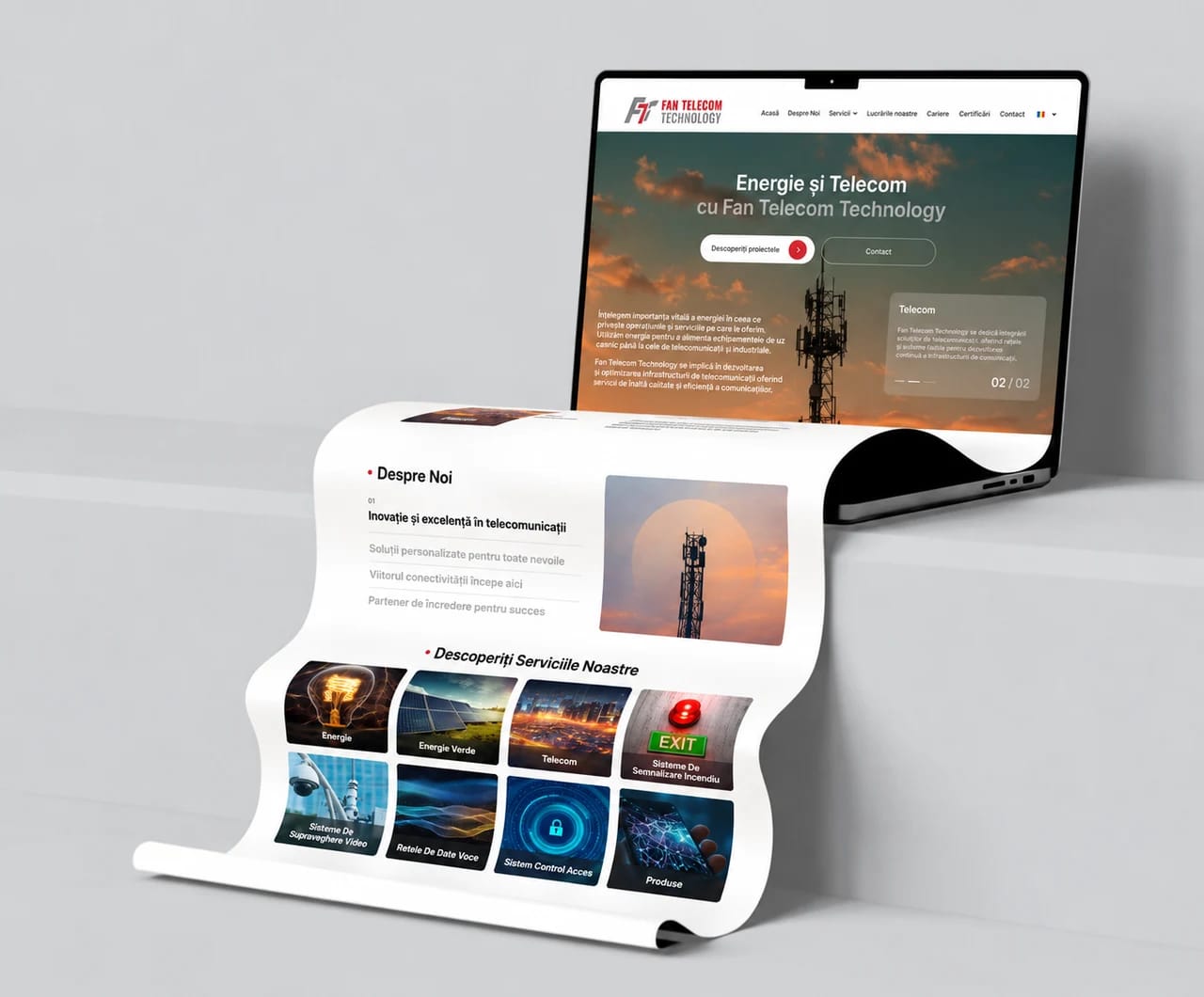
Websites and design
Explains the offer and sends enquiries to the sales team.
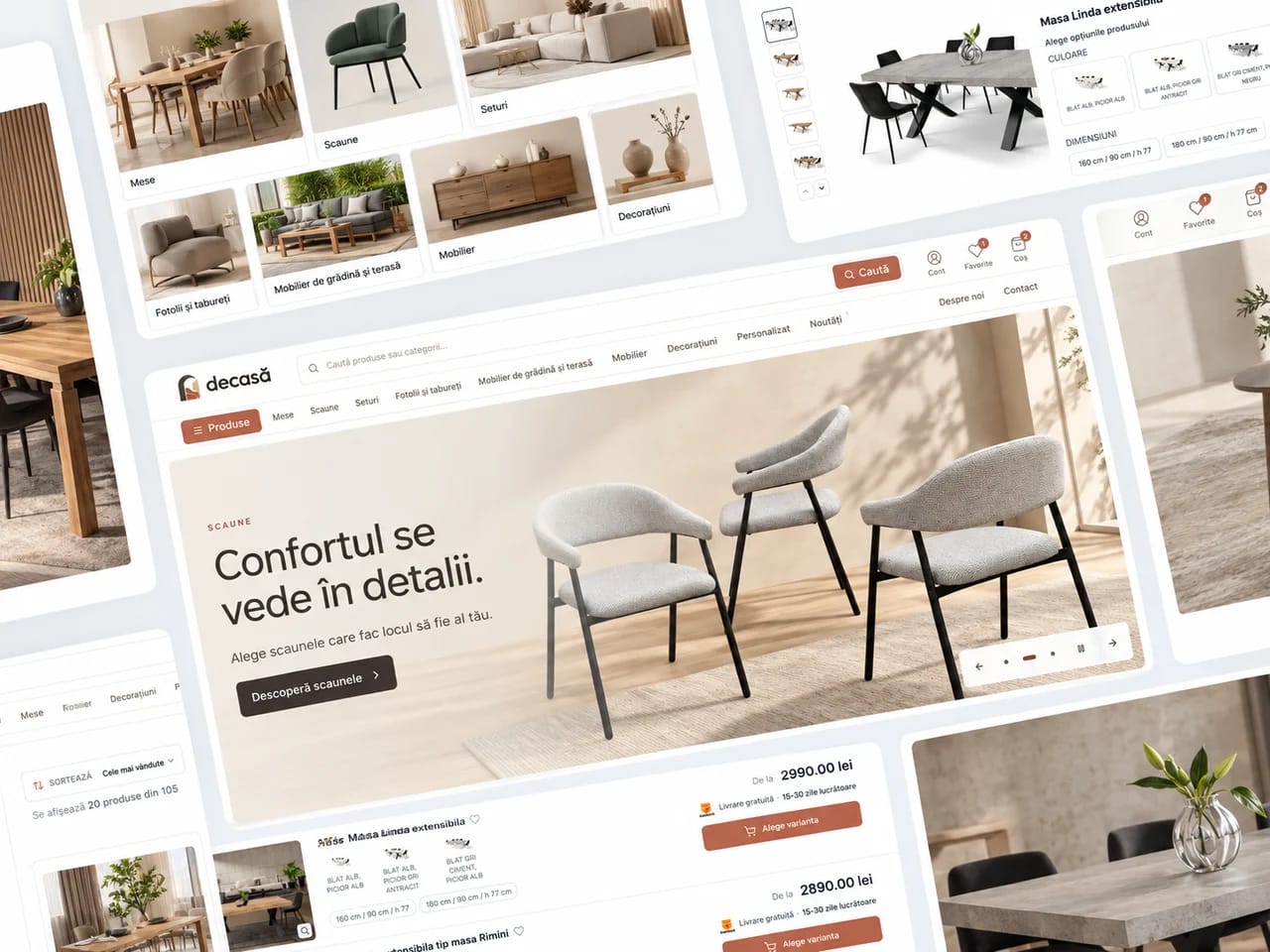
Online stores
Connects buying to stock, invoicing and delivery.
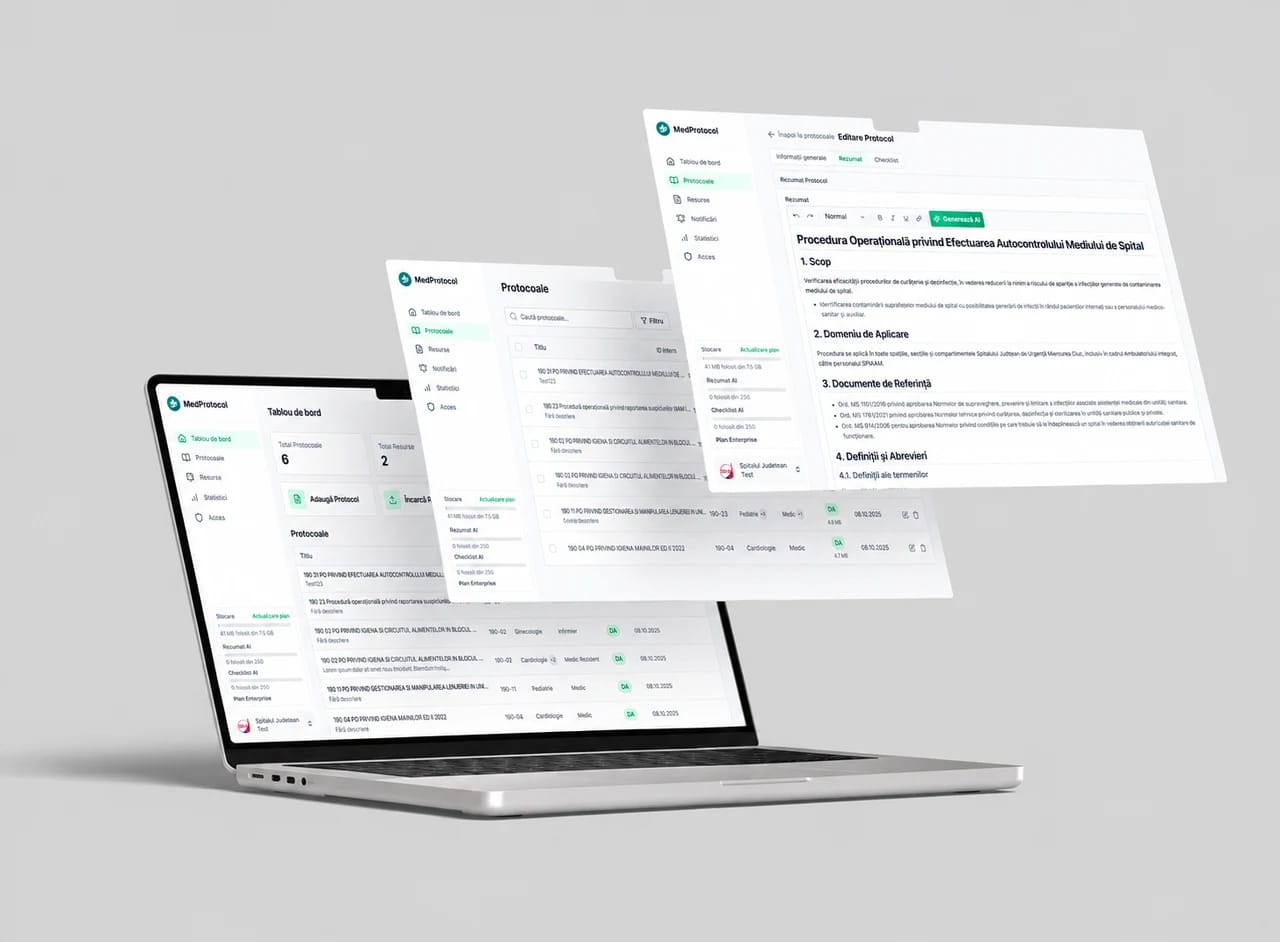
AI and automation
Takes over the repetitive tasks between your team’s apps.
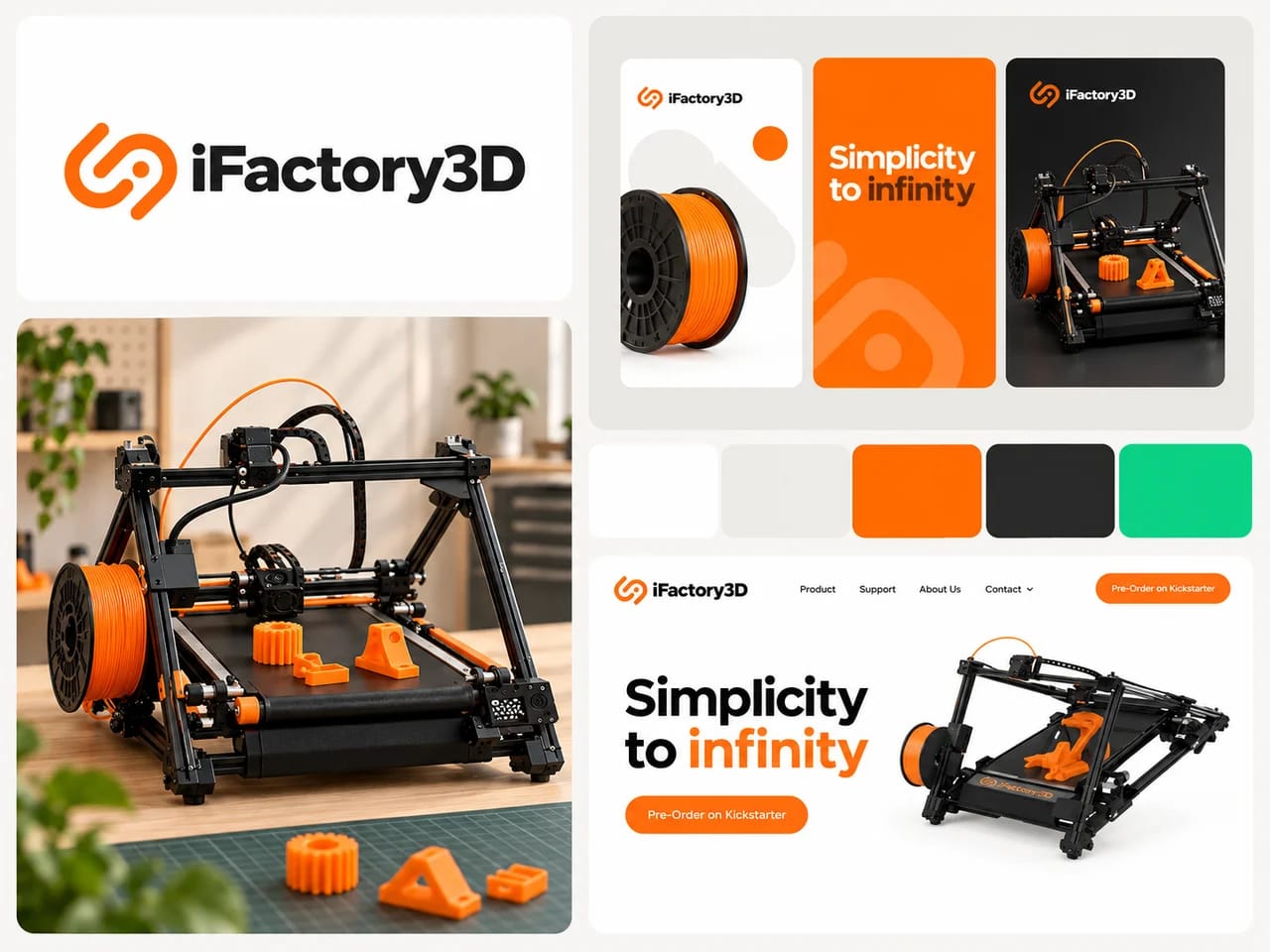
Branding and marketing
Connects your company’s identity and message to the campaigns that bring enquiries.
Maintenance and hosting
Keeps your website and connected systems running.
