
AI and automation
AI and automation
We use artificial intelligence and automation for the tasks that eat up hours, produce mistakes and slow the team down.
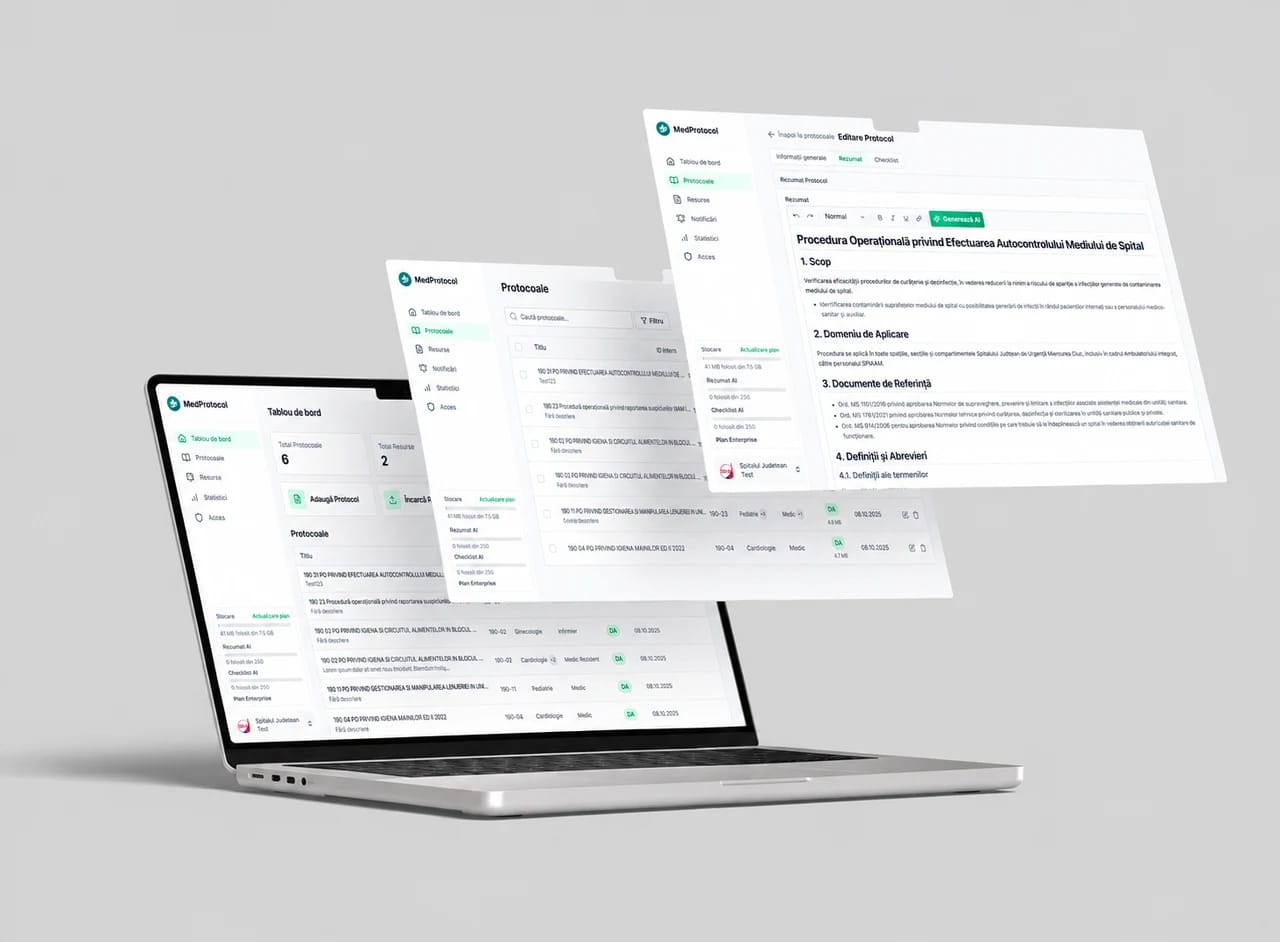
FROM THE WEBMATE PORTFOLIOMedProtocol
COMPANIES WE HAVE BUILT FOR









SOUND FAMILIAR?
AI is valuable when it does real work.
We do not add artificial intelligence just because it is fashionable. We choose clear tasks, with wasted time and verifiable results. Then we build a workflow the team can understand and control.
Requests and documents sit waiting to be processed
Clients wait for answers to repetitive questions
WHAT THE SERVICE INCLUDES
What we can automate in your company
We choose the deliverables around what your company needs. The modules, integrations and responsibilities included are set out in the proposal.
WHAT WE BUILD · 01
Picking up requests
We read requests from the website, email or WhatsApp and send the information to the right person and system.
What you receive
- Defined request sources and fields
- Routing and notification rules
What it gives you
Requests do not wait to be copied by hand.
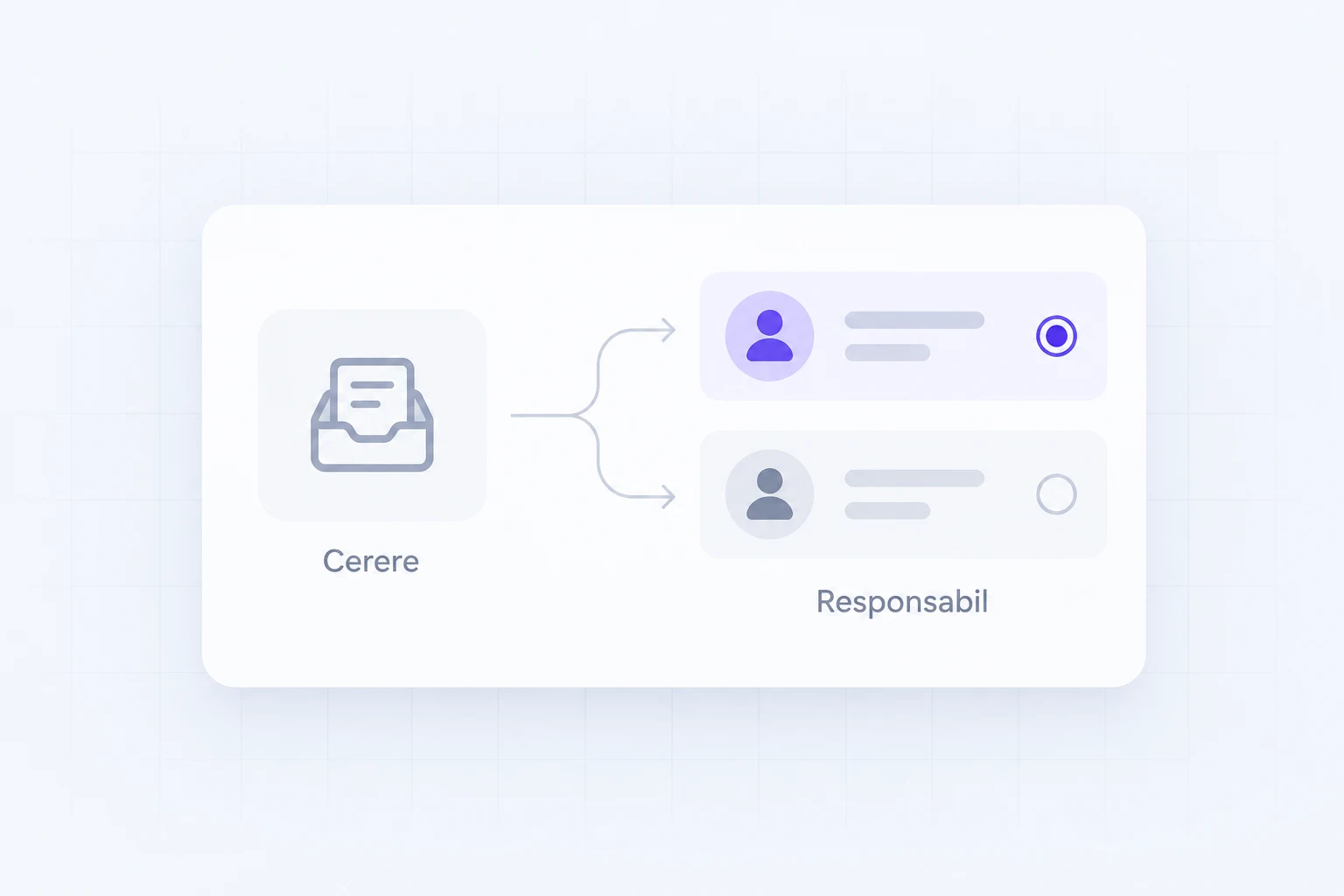
UI/UX ELEMENTS · SERVICE ILLUSTRATION
WHAT WE BUILD · 02
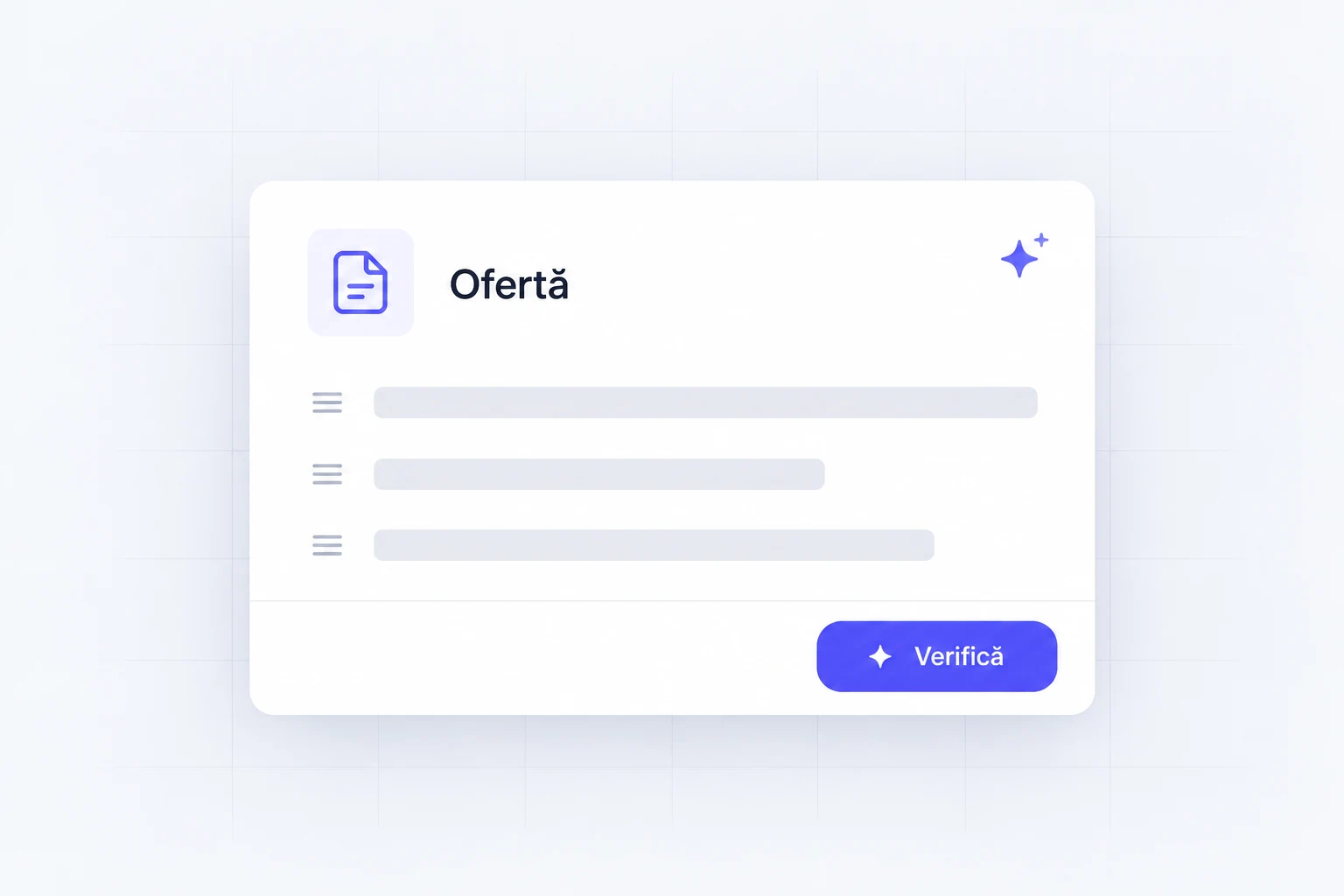
Quotes prepared automatically
We use product, price and client data to quickly prepare accurate quotes.
What you receive
- Templates and rules based on company data
- Approval before sending, where needed
What it gives you
Your team starts from a quote ready for review.
UI/UX ELEMENTS · SERVICE ILLUSTRATION
WHAT WE BUILD · 03
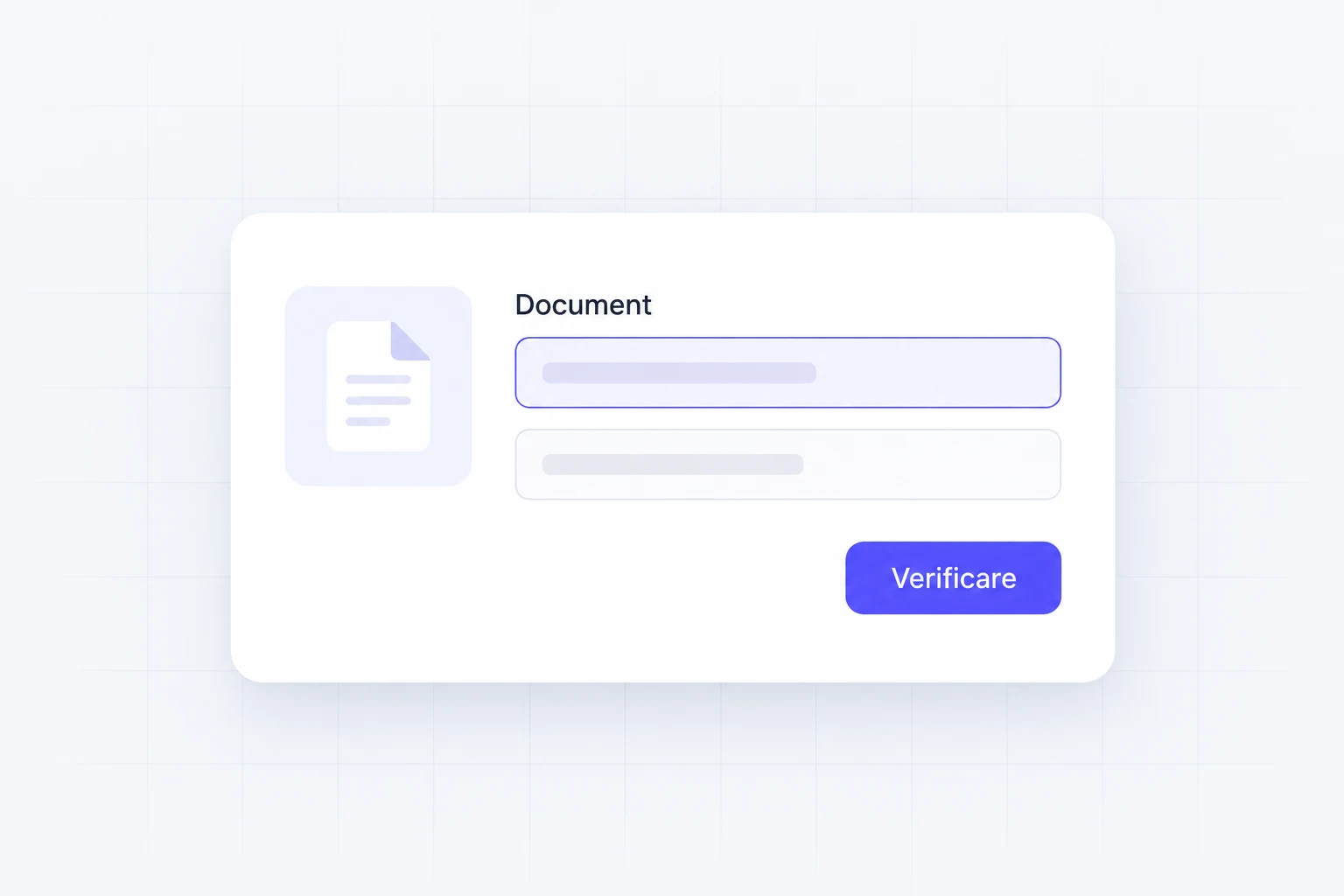
Reading documents
We extract information from invoices, forms and files, without entering every field by hand.
What you receive
- Extraction of the agreed fields from documents
- Flagging of uncertain data and exception handling
What it gives you
You check extracted information instead of typing every field.
UI/UX ELEMENTS · SERVICE ILLUSTRATION
WHAT WE BUILD · 04
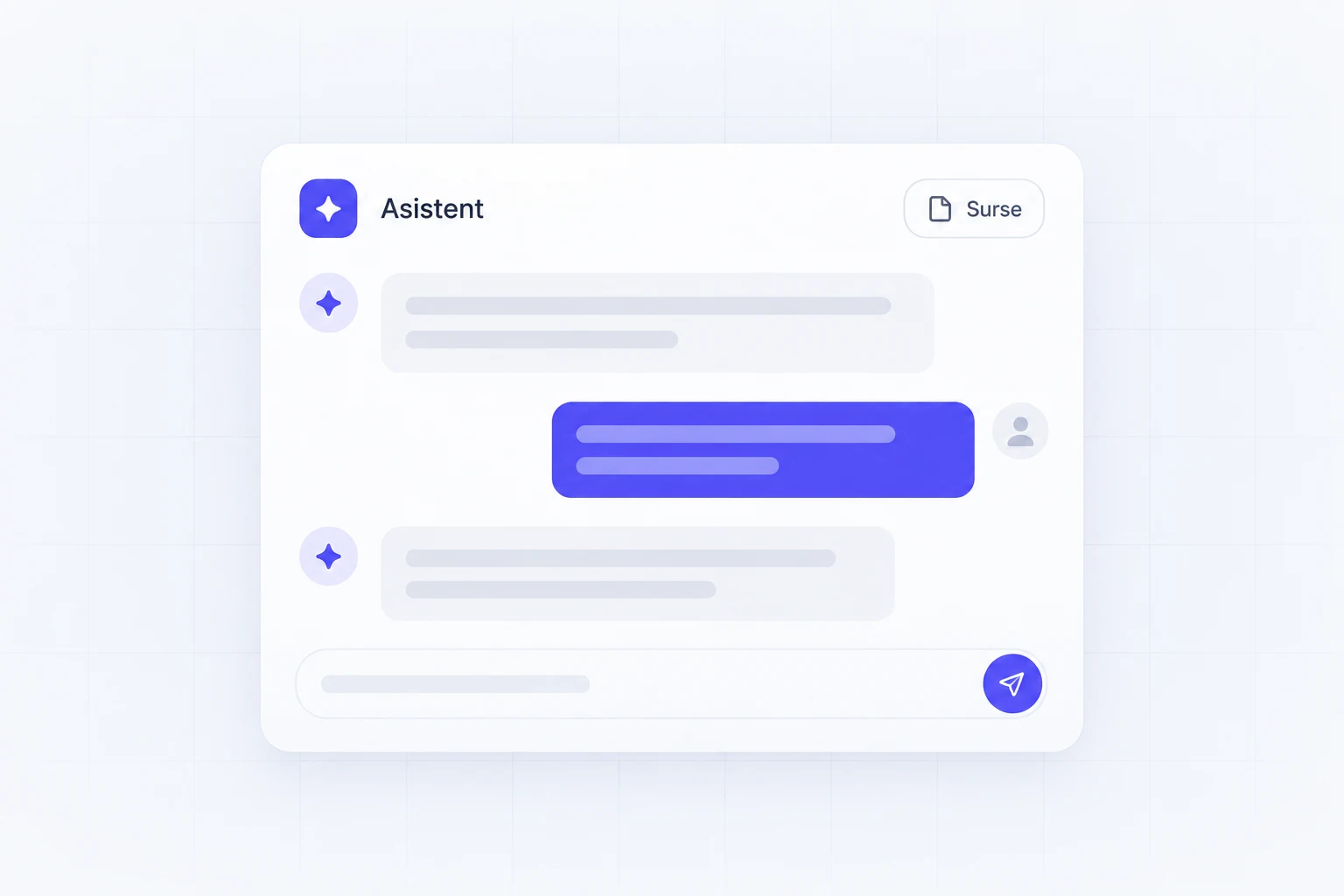
Customer assistants
We answer questions about products, stock, orders and documents quickly, using your company data.
What you receive
- Sources and limits for the assistant
- Handover to a person when information cannot be confirmed
What it gives you
Repetitive questions are answered from the allowed sources.
UI/UX ELEMENTS · SERVICE ILLUSTRATION
WHAT WE BUILD · 05
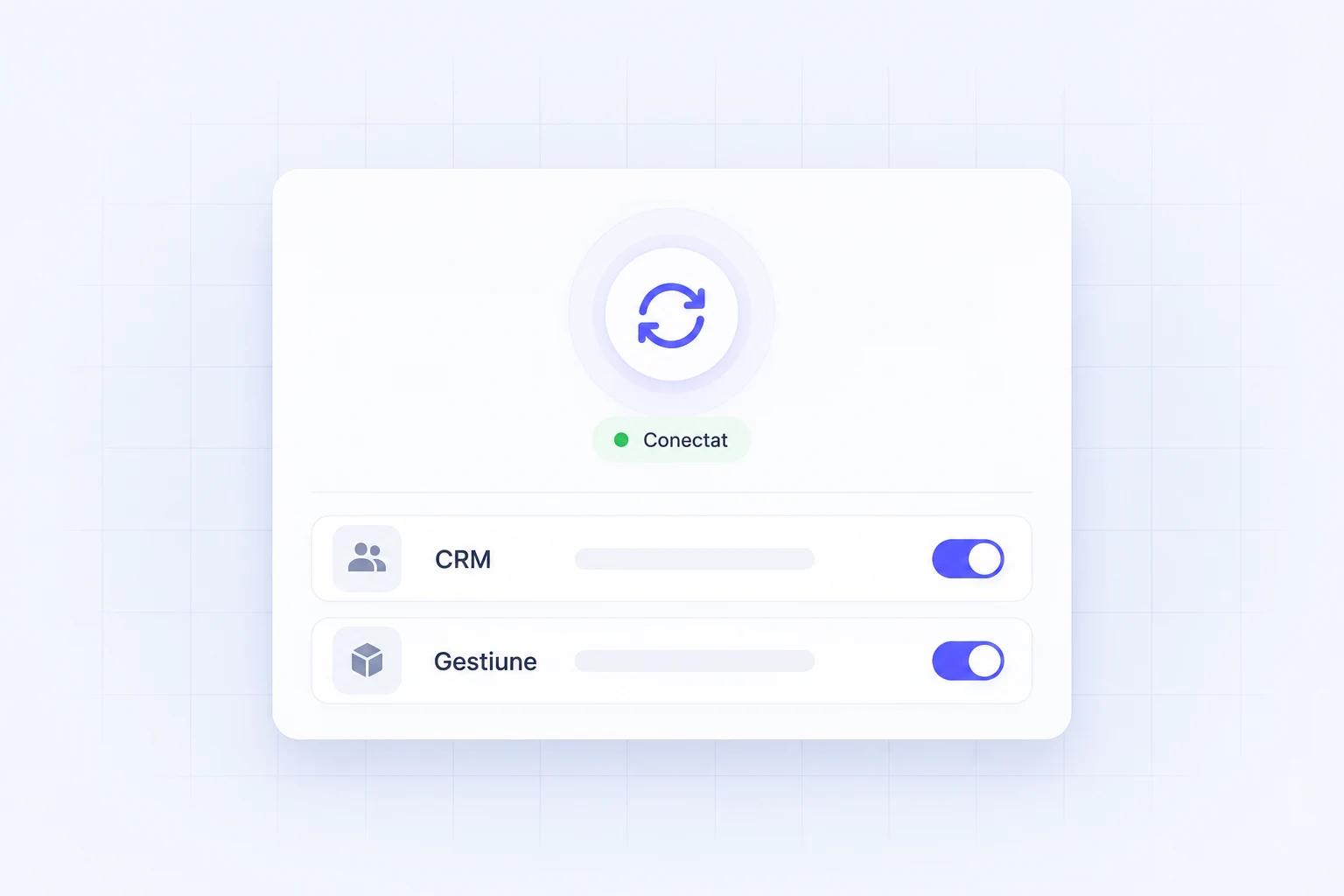
Connections between apps
We automatically move information between the website, the CRM, invoicing, inventory and reporting.
What you receive
- Connections between the agreed apps
- Run history and retry rules
What it gives you
Data reaches the next app by the same rules every time.
UI/UX ELEMENTS · SERVICE ILLUSTRATION
WHAT WE BUILD · 06
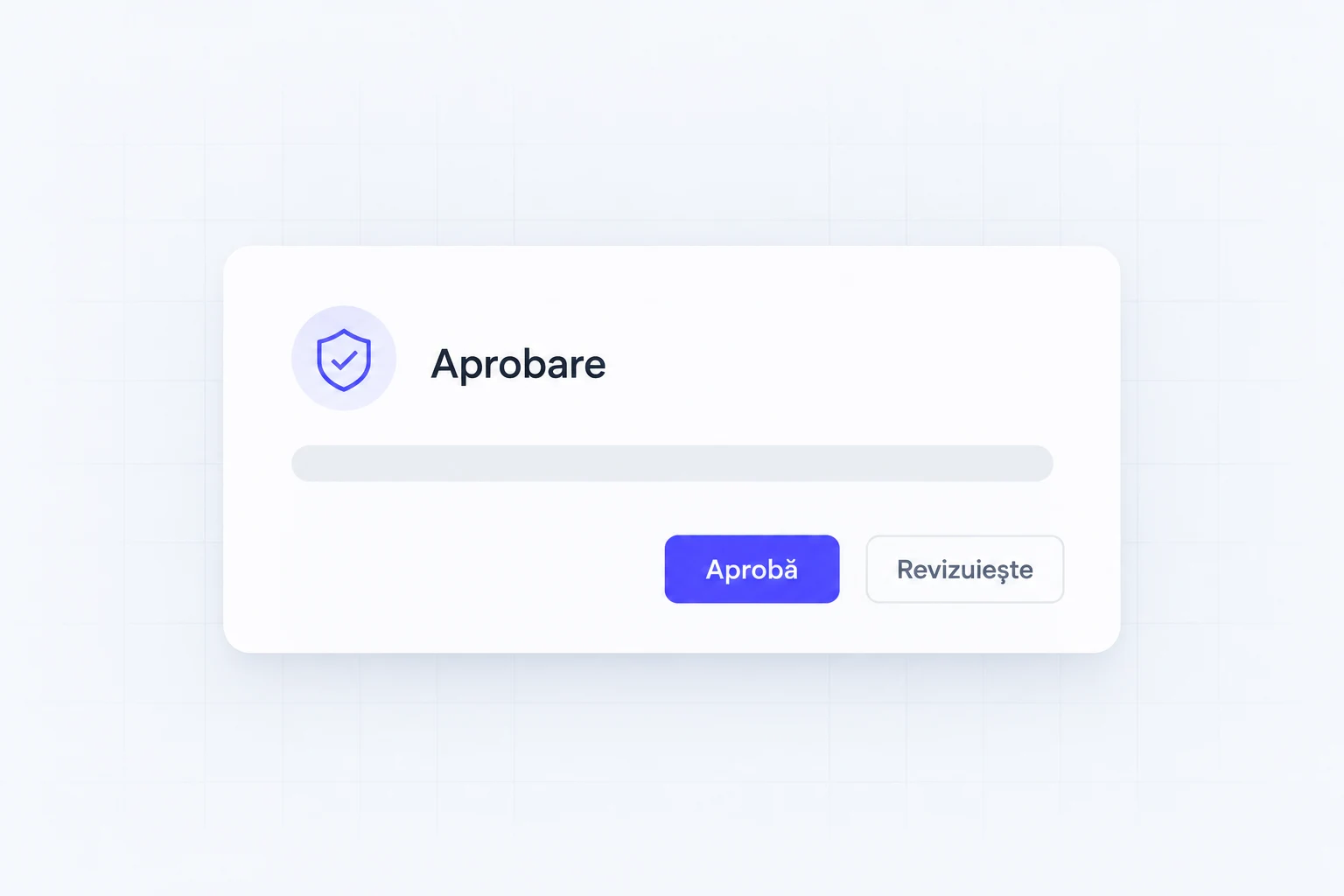
Approvals and notifications
We route tasks to the right person and track what is waiting for a decision or an intervention.
What you receive
- Approval steps and permissions
- Notifications for tasks and exceptions
What it gives you
Important actions reach the person who decides.
UI/UX ELEMENTS · SERVICE ILLUSTRATION
IN PRACTICE
AI and automation: an example from our portfolio
 MedProtocol
Protocol information, closer to the medical team.
In MedProtocol, staff find protocols in one central source. Assisted features can prepare summaries and action lists, with a review before they are used.
See the case studyPublic hospitalsClient
Web + iOS + AndroidDeliverable
Less bureaucracyResult
MedProtocol
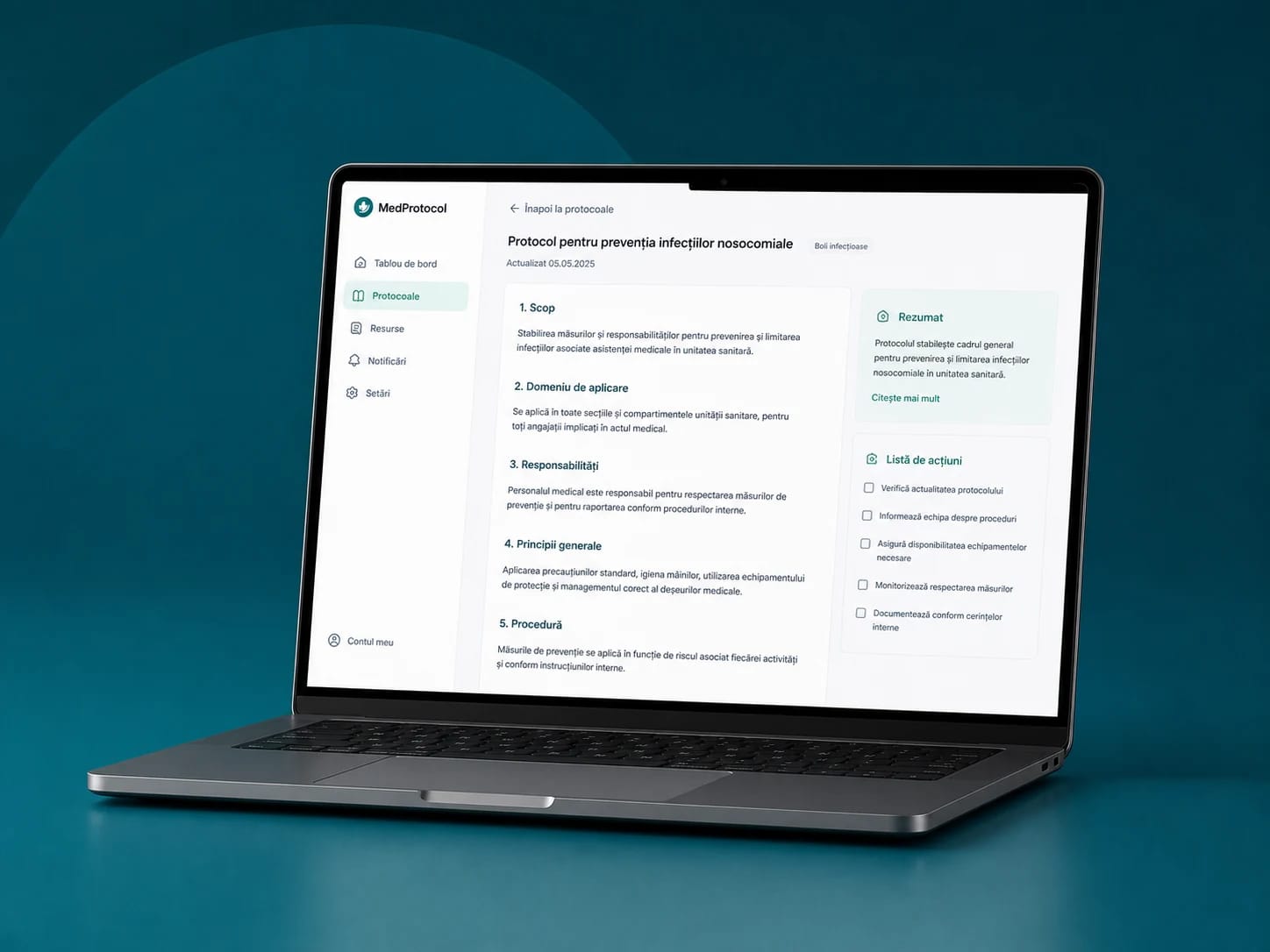
INTERFACE FROM THE MedProtocol PROJECT
WHAT CHANGED
Protocols, training and internal communication are brought together on web and mobile.
VALUE FOR YOUR COMPANY
What you gain from AI and automation
Copying data can leave the daily routine.
We connect the source to the destination and define which fields move, when, and who checks the exceptions.
Documents arrive ready for review.
We extract the fields you need and flag uncertain information for review, instead of passing it on unchecked.
Every request has a destination.
Routing rules send the request to the right person, with the data they need.
AI uses only the allowed sources.
We define which company documents and information it can access, along with the limits of its answers.
You keep approval of important decisions.
Quotes, messages or sensitive actions can wait for a person to approve them before they are sent.
See when the workflow needs a person.
History and notifications show what ran and where data is missing, so errors do not stay hidden.
HOW WE WORK
How we prepare and deliver the service
01
We choose the repetitive task.
We list the inputs, the time it takes, the expected result and the situations where a person must step in.
02
We test on examples from your company.
We build a limited workflow and check the usual cases, incomplete information and errors.
03
We switch it on with checks and history.
We set up approvals and notifications. We expand only once your team can verify the result.
MedProtocol
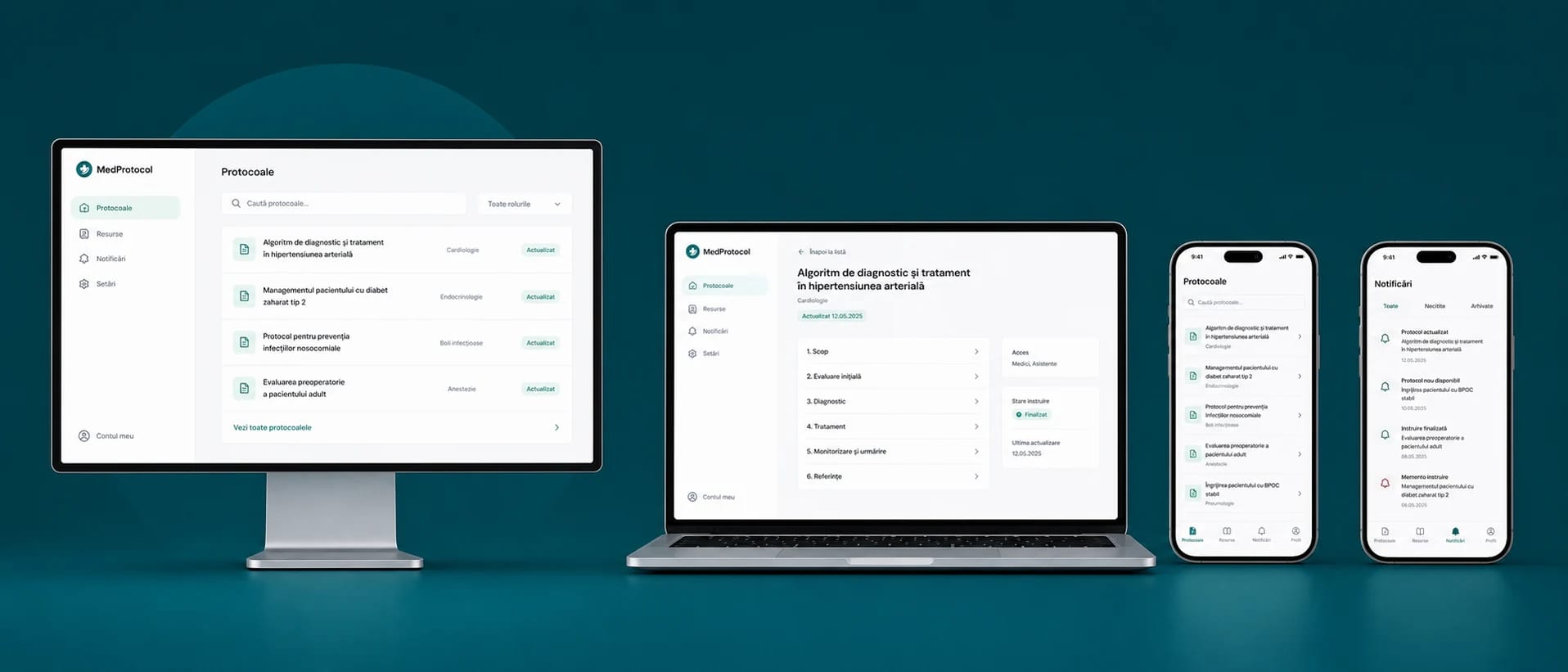
PORTFOLIO EXAMPLE · MedProtocol
BUILT FOR REAL USE
Information goes where it should. You stay in control.
We choose a task that takes up time and decide what can be automated. Data, approvals and exceptions stay visible, so your team can check and step in.
- Defined sources and access rights.
- Results checked on real examples.
- Human approval for important actions.
FROM OUR CLIENTS' REVIEWS
What remains after the project.
In our clients' words.
Association for Infection Prevention and Control (APCI)
“We managed to considerably improve our digital presence”

Sergiu SîngeorzanPresident · APCI
DeCasă
“A more intuitive website experience that showcases our furniture collections.”

Mihaela VaniGeneral Manager · Mobilă DeCasa
iFactory3D
“From zero to €200,000 in funding in 30 days on Kickstarter.”

Artur SteffenCEO · iFactory3D
FREQUENTLY ASKED QUESTIONS
What you want to know
before we start.
Automation helps only when the data, limits and checks are clear.
How do we stop the AI from sending wrong information?
We define the allowed sources, the checks and the actions that need approval. We test real examples and exceptions. When information cannot be confirmed, the workflow must ask the team to step in.
How much does the project cost and how long does it take?
Cost and timeline depend on what needs to be built, the integrations and the data available. Once the need is clear, the proposal sets out the deliverables, stages and responsibilities.
What data can the automation access?
We define what information the automation can use and apply the same permissions as a person on the team.
Which actions must a person approve?
We define what can be sent automatically and what must be approved by a person before it reaches the customer.
What happens when there is an exception?
We test unusual situations, keep a history of actions and give the team a simple way to intervene.
ONE SINGLE SYSTEM
Automation connects the apps your team already uses.
A website enquiry, a document or an order can trigger the next step in your CRM or inventory software. We choose the connection that costs time today and decide what runs automatically and what stays with people.
Book a callHOW THE STEPS CONNECT
Data
Requests or documents.
Rules and approvals
Check the next step.
Action
Sends the information on.
Websites and design
Explains the offer and sends enquiries to the sales team.

Online stores
Connects buying to stock, invoicing and delivery.
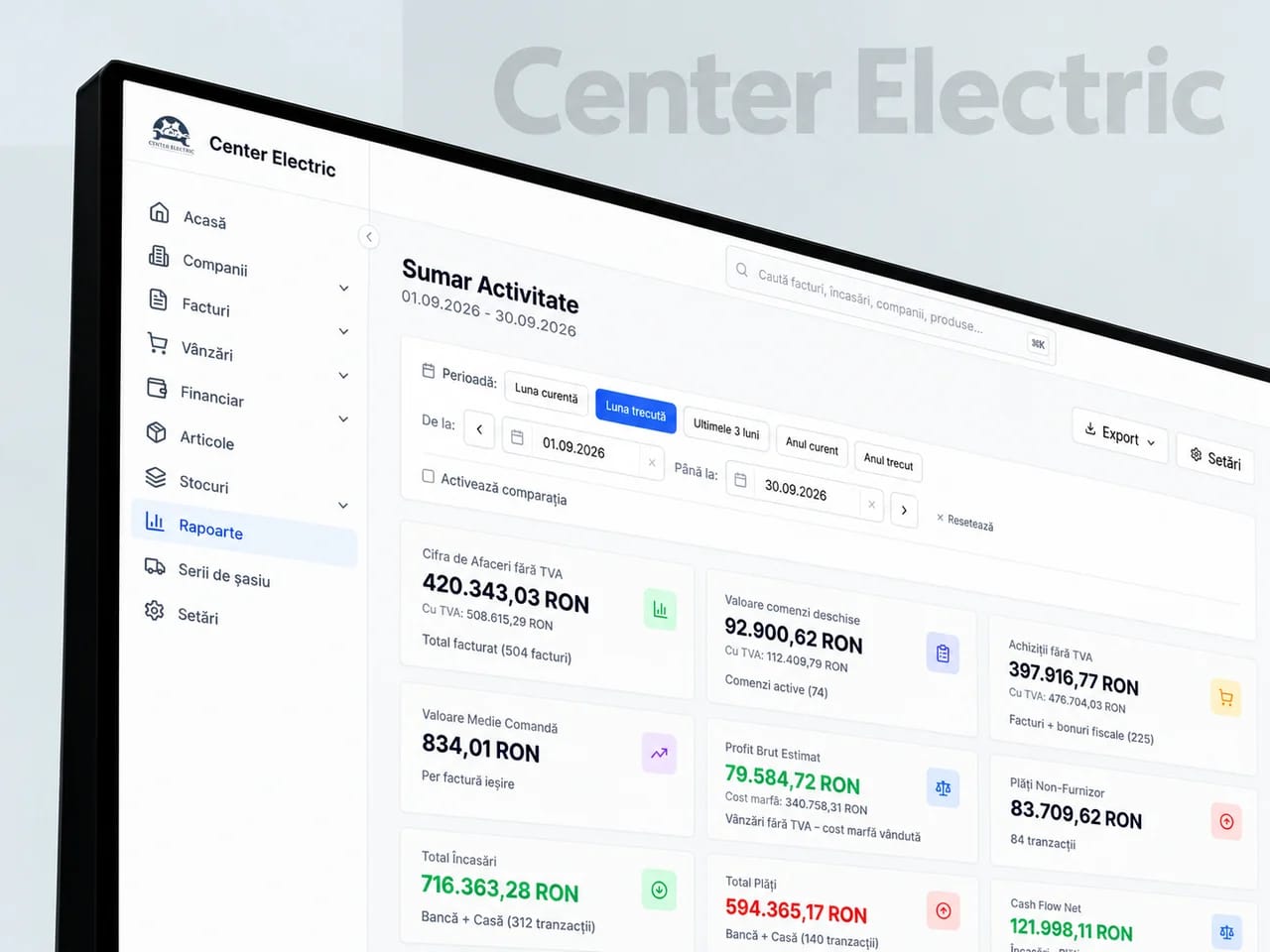
Business systems
Brings clients, orders, documents and the warehouse together.
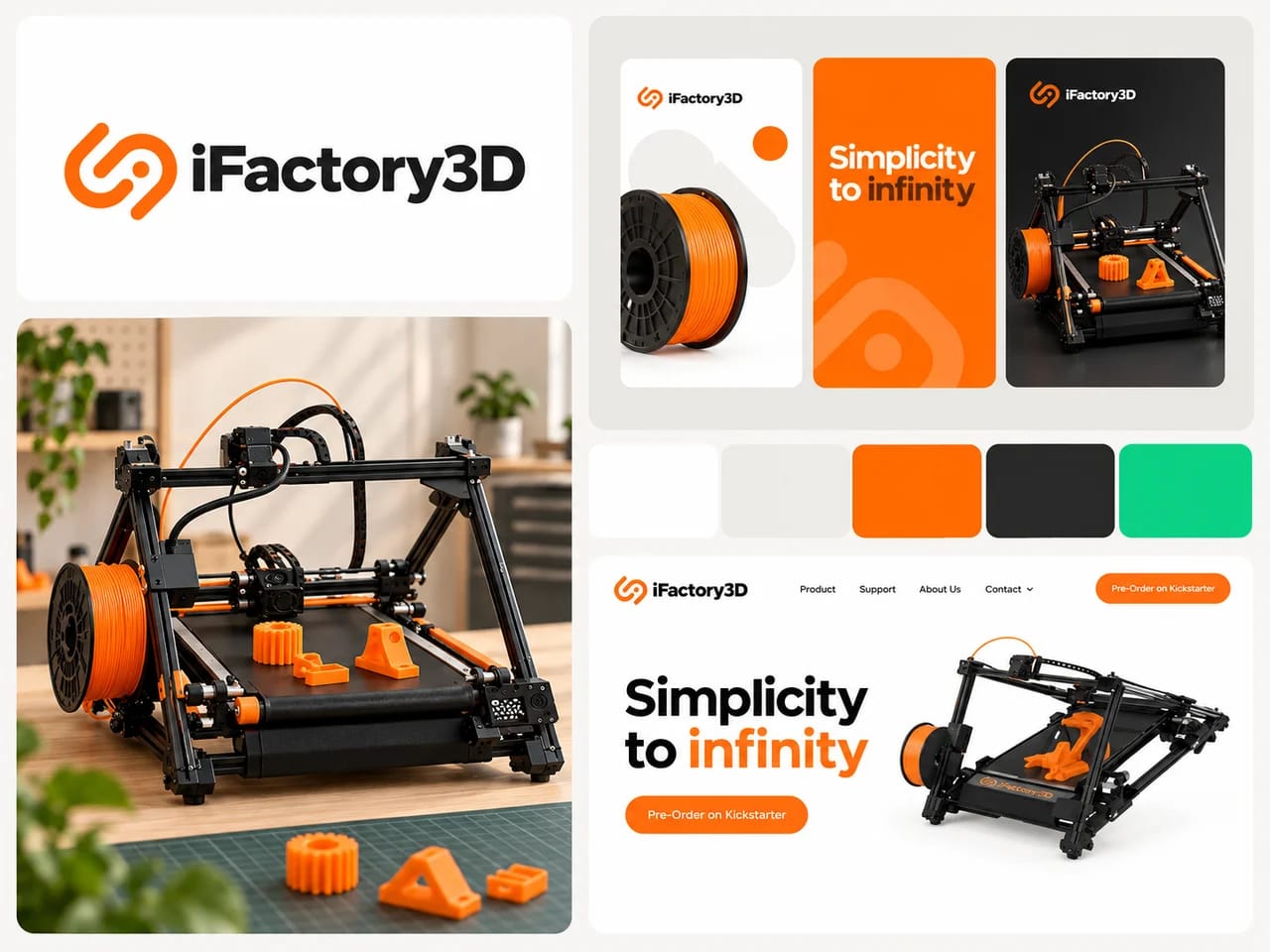
Branding and marketing
Connects your company’s identity and message to the campaigns that bring enquiries.
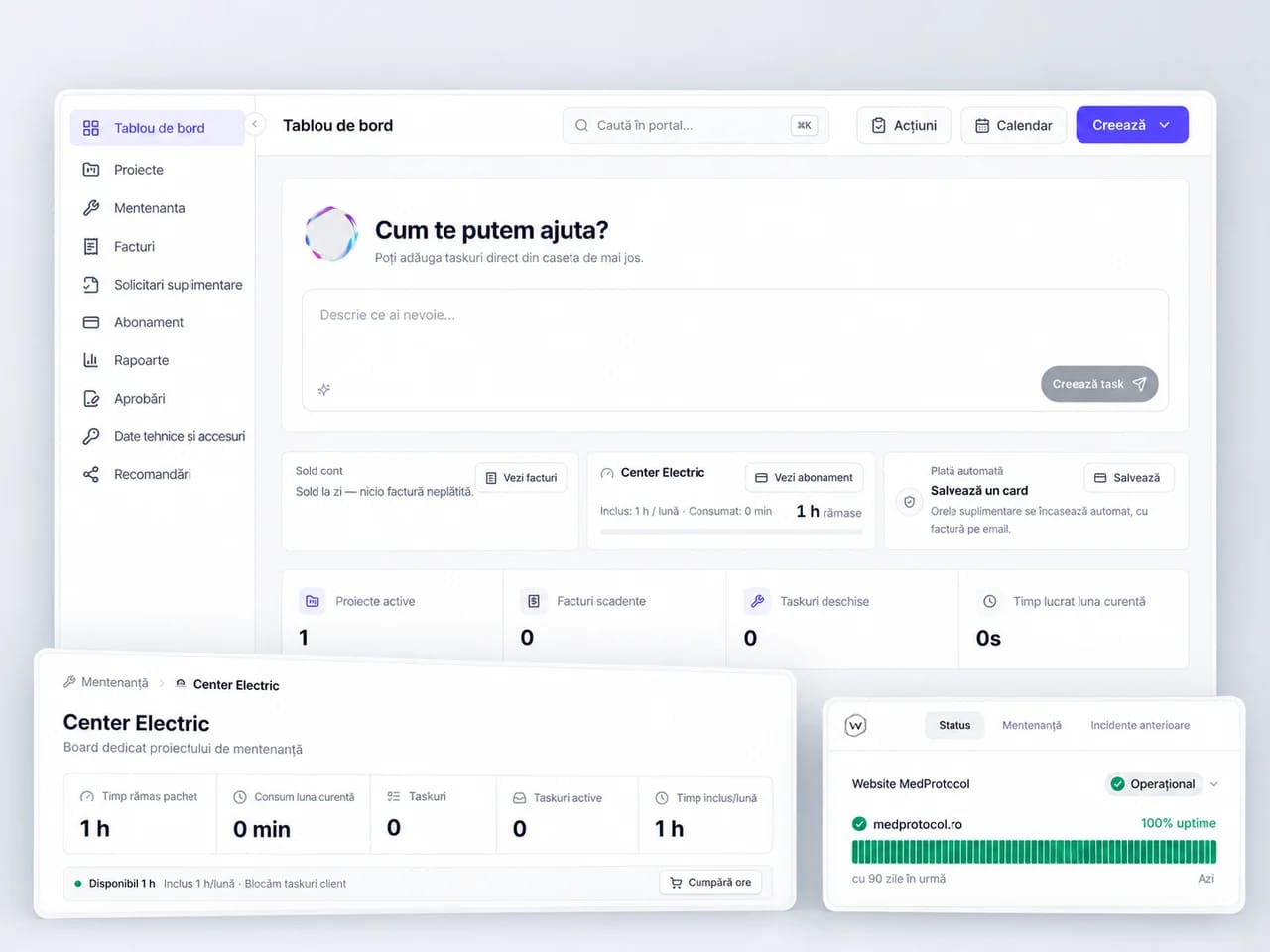
Maintenance and hosting
Keeps your website and connected systems running.
