
Online stores
Online stores
We build a store where the client buys easily, and the order flows automatically to payment, stock, delivery and invoicing.
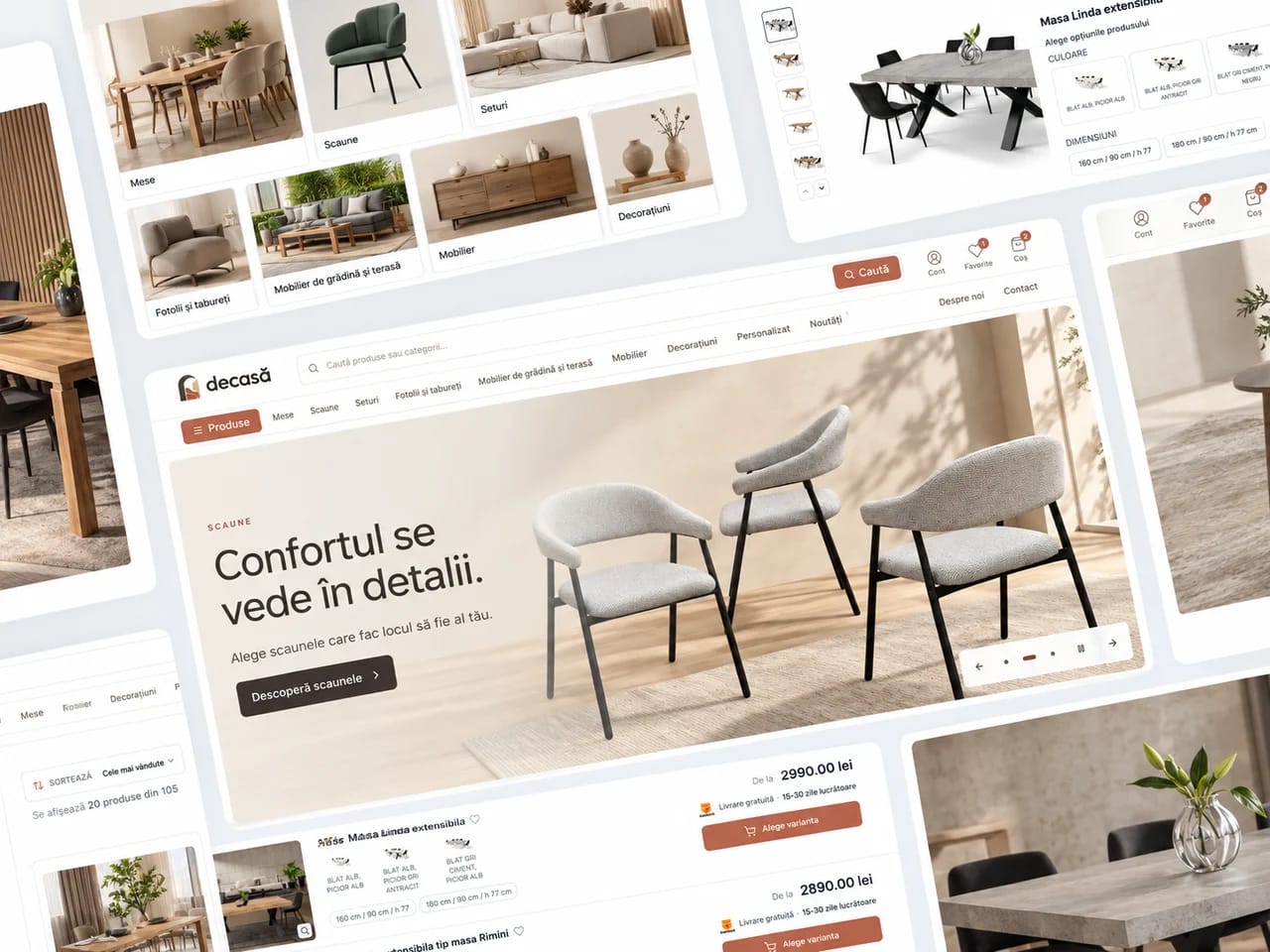
FROM THE WEBMATE PORTFOLIODeCasă
COMPANIES WE HAVE BUILT FOR










SOUND FAMILIAR?
The sale does not end when the client presses the button.
After the order come the payment, the stock, the invoice, the packing, the delivery and the communication with the client. We design them as one process, not as separate chores for your team.
Orders have to be checked and processed manually
The stock in the store does not match reality
WHAT THE SERVICE INCLUDES
What an online store project includes
We choose the deliverables around what your company needs. The modules, integrations and responsibilities included are set out in the proposal.
WHAT WE BUILD · 01
Buying experience
Clear categories, good search, useful filters and product pages that answer questions before they come up.
What you receive
- Category structure, filters and search
- Product pages with variants and buying information
What it gives you
Buyers find the product and compare the right variants.
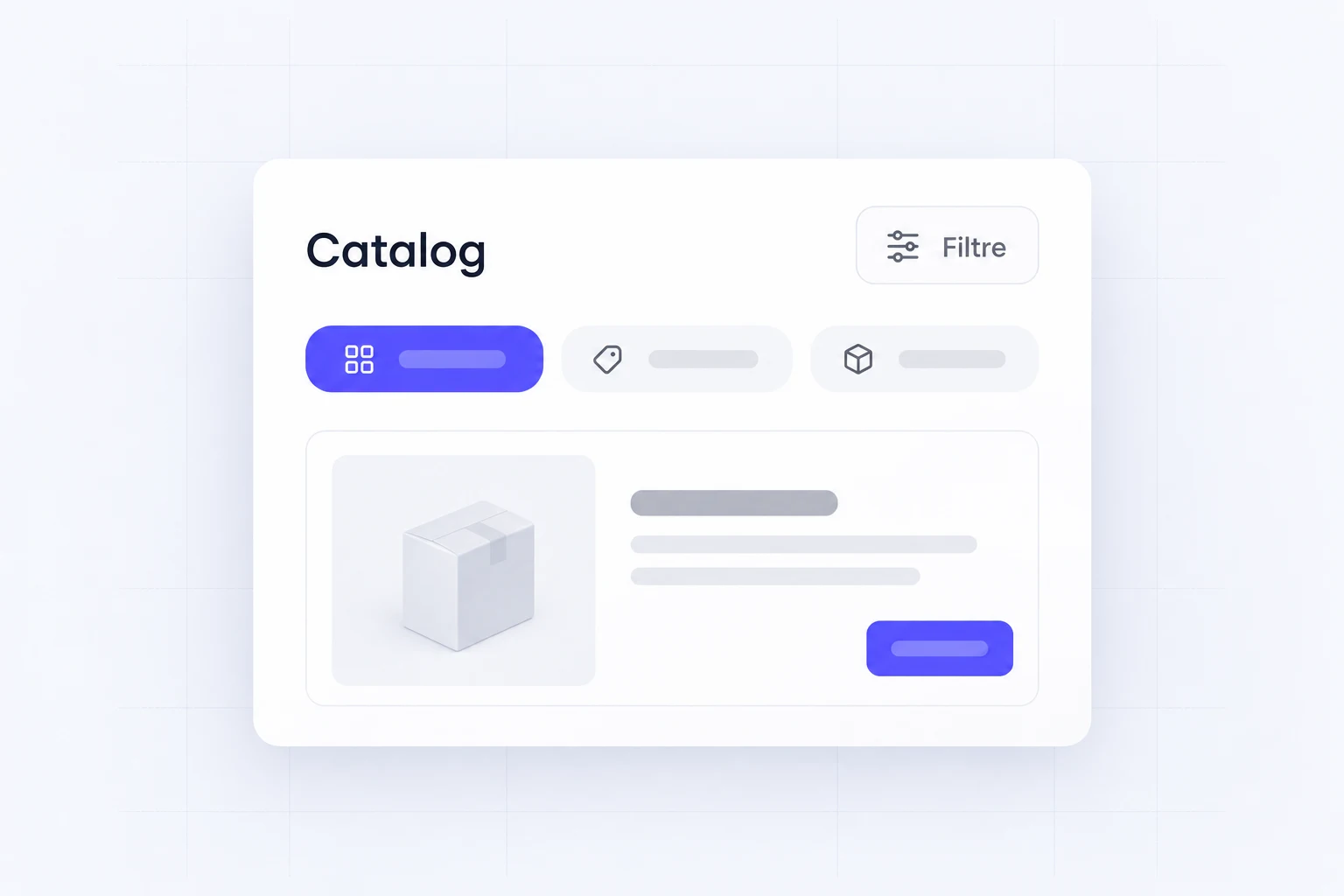
UI/UX ELEMENTS · SERVICE ILLUSTRATION
WHAT WE BUILD · 02
Simple checkout
Fewer steps, secure payment and an experience that is easy to use on phones and desktops.
What you receive
- A cart and checkout adapted for phones
- The agreed payment and delivery methods
What it gives you
Customers know what they pay and how they receive the order.
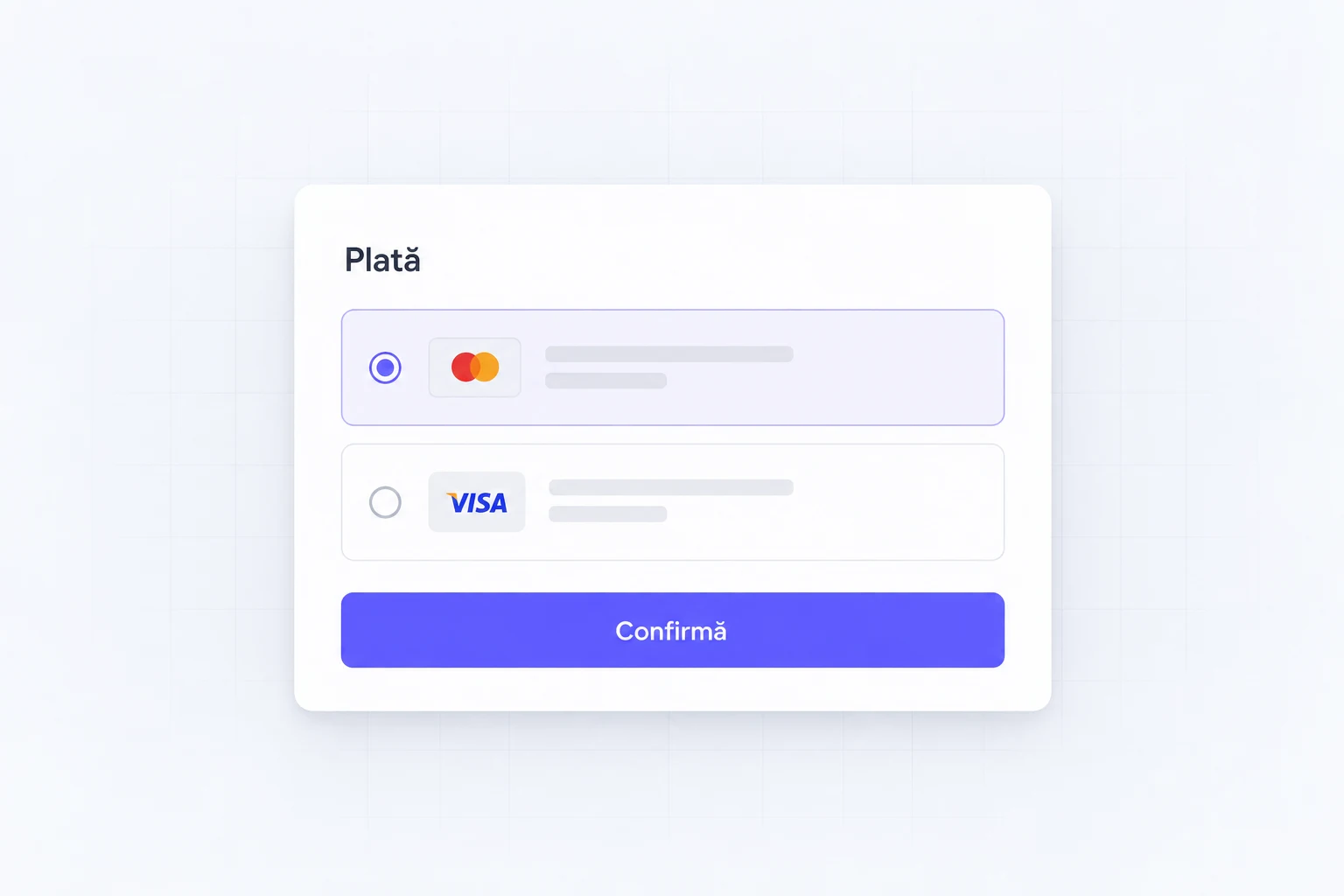
UI/UX ELEMENTS · SERVICE ILLUSTRATION
WHAT WE BUILD · 03
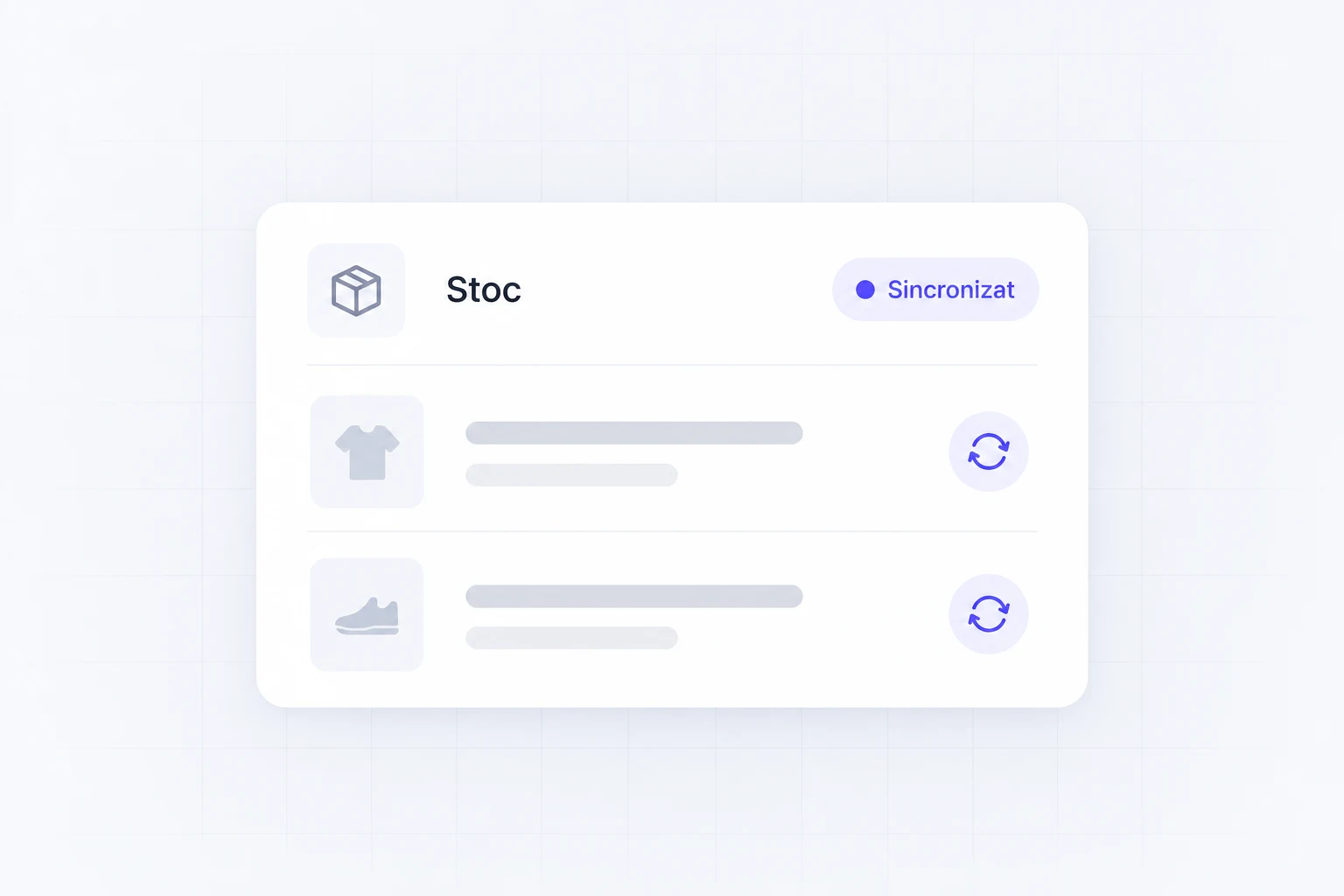
Products and stock
We synchronize products, prices and availability with your inventory system.
What you receive
- Import and rules for products, prices and stock
- Sync with your inventory software, where the system allows it
What it gives you
You do not update the same products in two places without a rule.
UI/UX ELEMENTS · SERVICE ILLUSTRATION
WHAT WE BUILD · 04
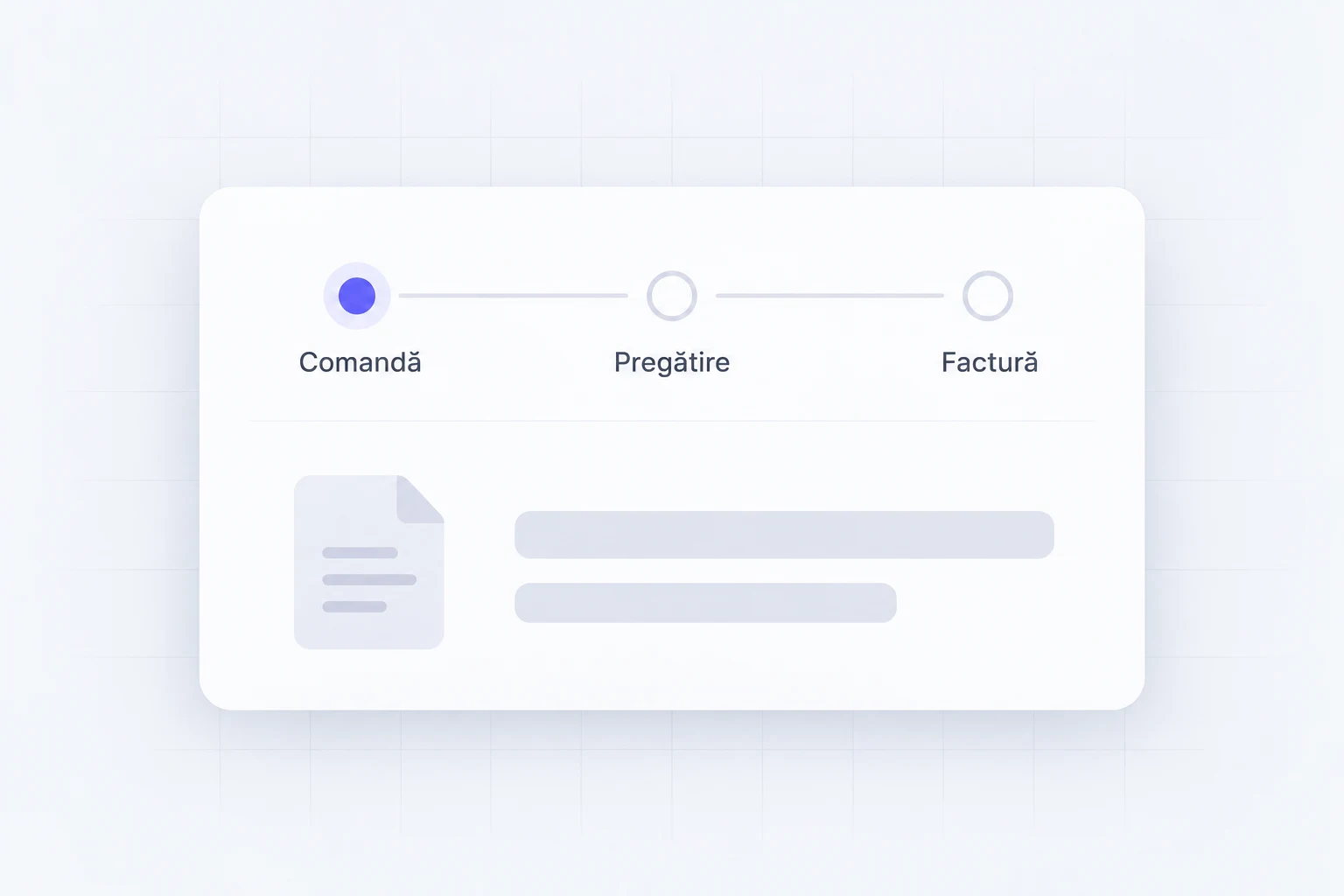
Orders and invoicing
The order enters the system automatically, the documents are generated and the team immediately sees what to do.
What you receive
- Order statuses and management
- Integration with the agreed invoicing tool
What it gives you
Your team sees the order and the documents that go with it.
UI/UX ELEMENTS · SERVICE ILLUSTRATION
WHAT WE BUILD · 05
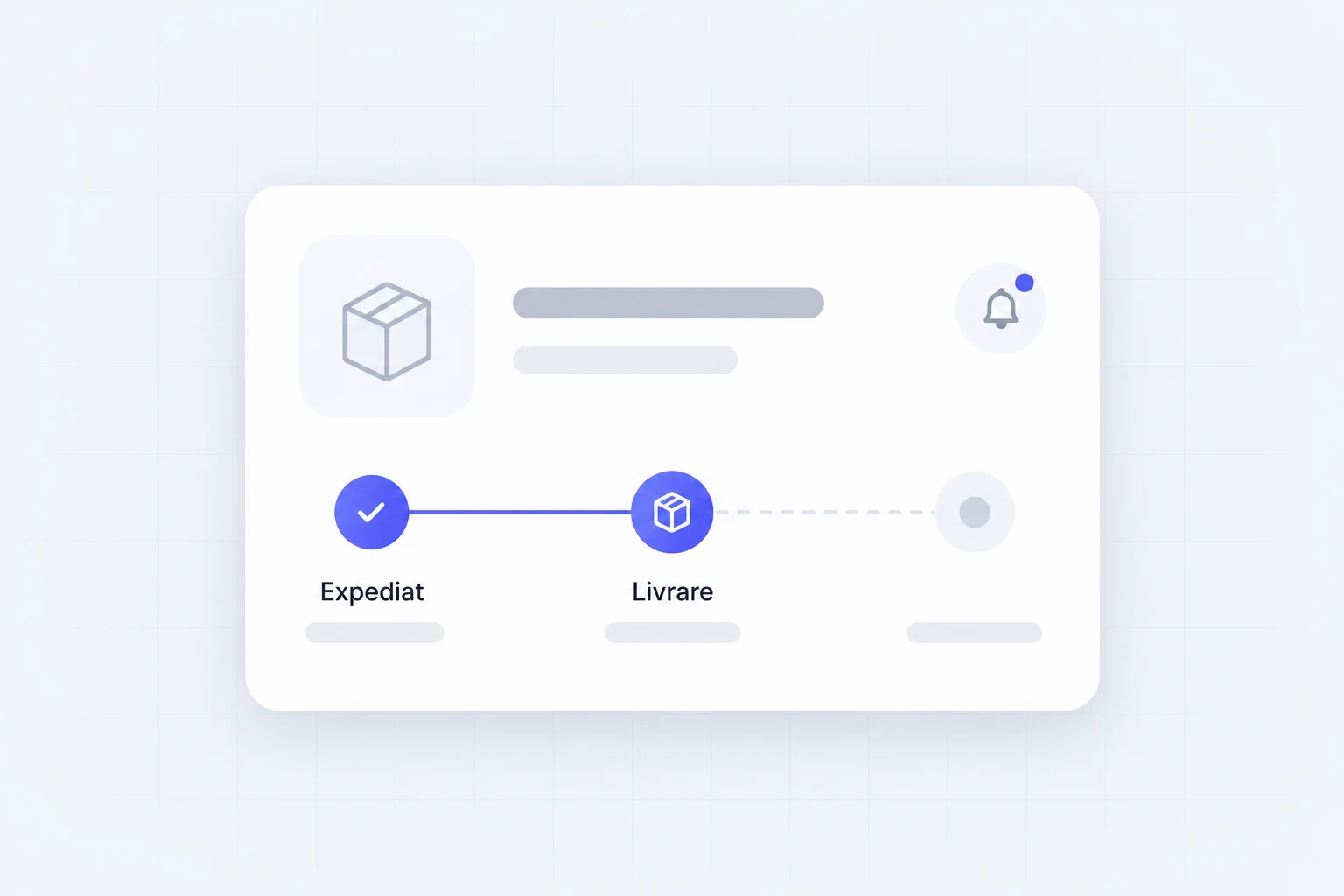
Delivery and communication
We connect the couriers and automatically send the information the client needs.
What you receive
- Connection to the agreed courier
- Notifications for the agreed order stages
What it gives you
Customers get order updates without a separate call.
UI/UX ELEMENTS · SERVICE ILLUSTRATION
WHAT WE BUILD · 06
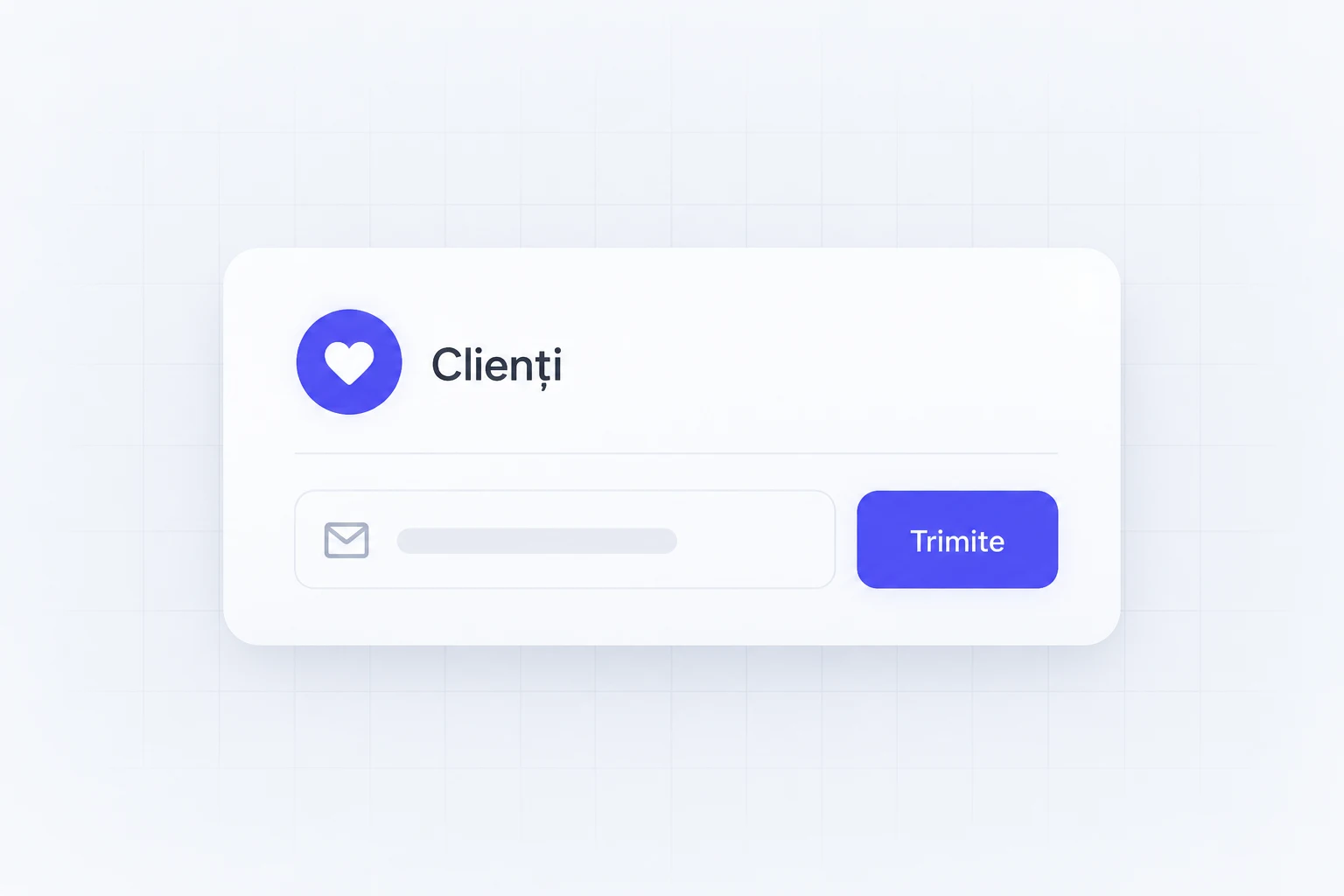
Returning customers
We use emails, offers and purchase data to bring the client back.
What you receive
- Segmentation based on the available data
- Win-back messages and tracking of attributed orders
What it gives you
You have a starting point for repeat purchases.
UI/UX ELEMENTS · SERVICE ILLUSTRATION
IN PRACTICE
Online stores: an example from our portfolio
DeCasă
An easier-to-use store for Mobilă DeCasa.
We reorganized the online experience around the way people search for and choose furniture. The design showcases the products and reduces the steps between inspiration and purchase.
See the case studyMobilă DeCasaClient
Online store, full redesignDeliverable
FurnitureIndustry
DeCasă
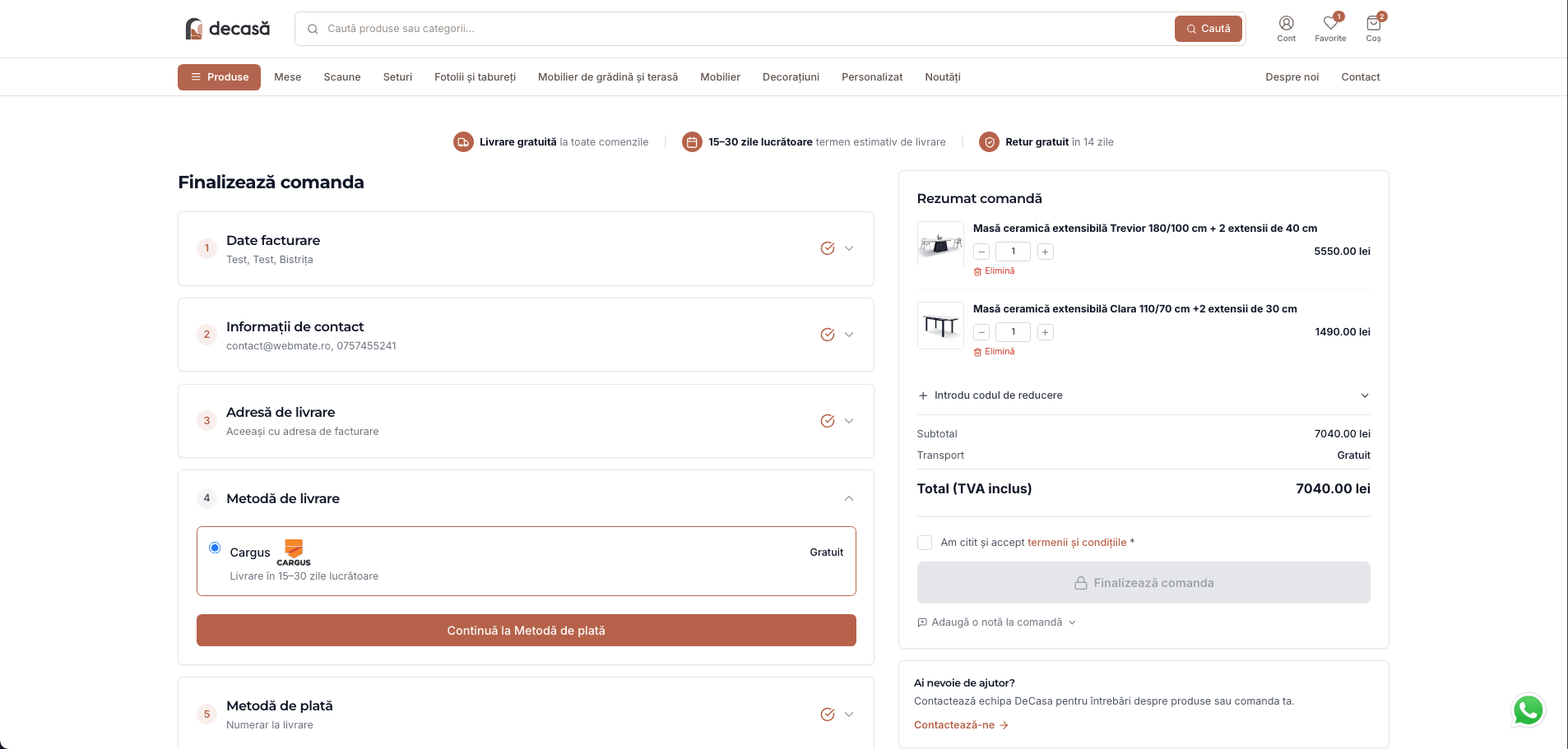
INTERFACE FROM THE DeCasă PROJECT
WHAT CHANGED
A more intuitive experience and a digital presence that better reflects the value of the brand.
FROM THE DeCasă TESTIMONIAL
“A more intuitive website experience that showcases our furniture collections.”

Mihaela VaniGeneral Manager · Mobilă DeCasa
VALUE FOR YOUR COMPANY
What you gain from the online store
Customers can choose without calling.
Categories, filters, variants and delivery information help them decide right on the product page.
Ordering takes fewer steps.
Cart, payment and delivery are designed together. We remove the questions and fields that do not help the purchase.
Availability has a clear source.
We define where stock levels come from and how they update. Your team knows what it can confirm to the customer.
Order processing can be connected.
Payment, invoicing and the courier can use the data from the same order, depending on the integrations available.
Your team manages the catalog.
Products, prices and variants have clear management rules, instead of random changes made in several places.
See where buying stops.
We measure the path to the order, so improvements start from the steps where customers give up.
HOW WE WORK
How we prepare and deliver the service
01
We put the catalog and integrations in order.
We check the products, variants, stock, payment and delivery. We define the source of each piece of information.
02
We walk through the purchase end to end.
We build the experience and test orders with variants, payment and delivery. Your team checks the admin side.
03
We move the data and prepare the launch.
We check the agreed data and the test orders. We plan the switch from your current store.
DeCasă
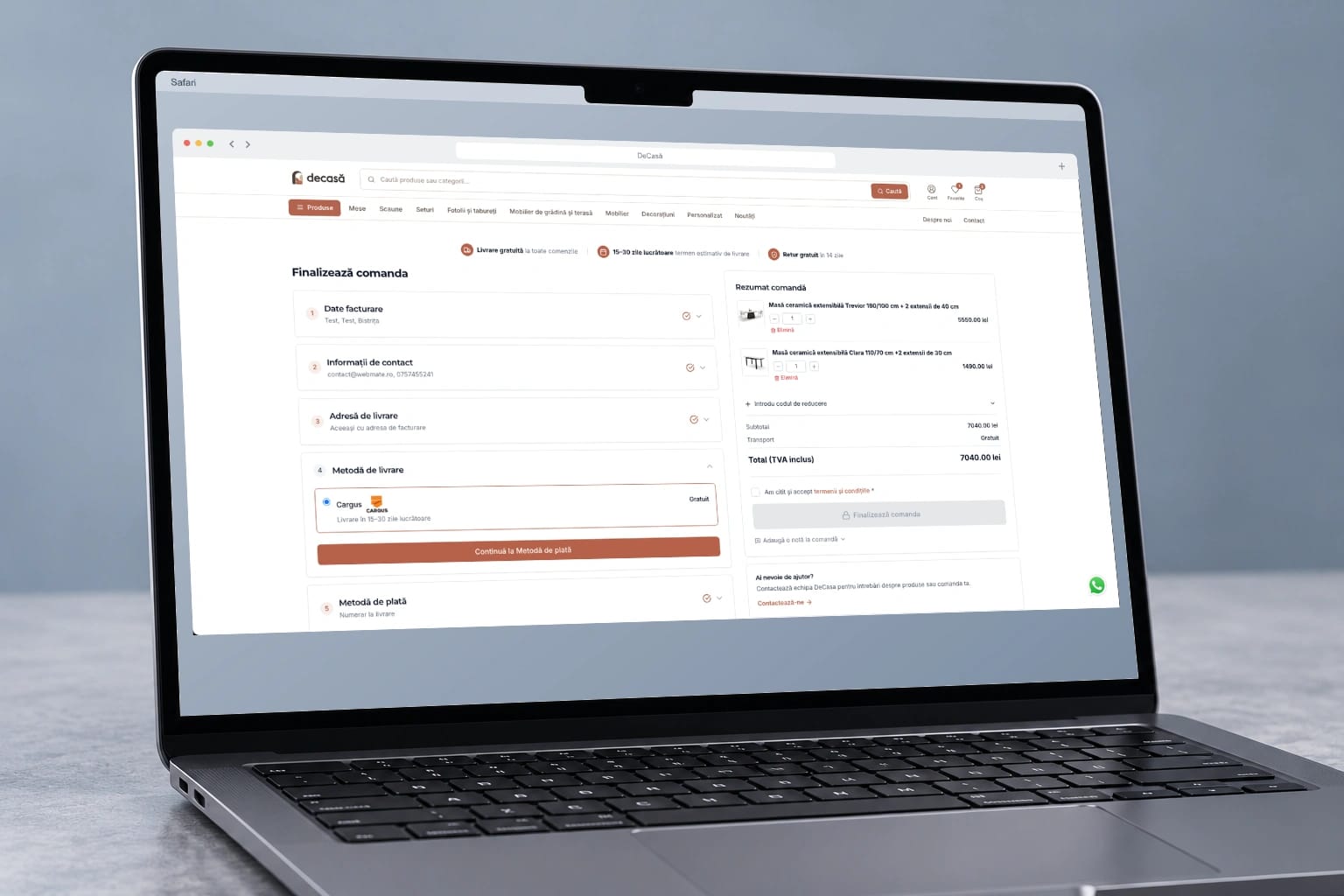
PORTFOLIO EXAMPLE · DeCasă
BUILT FOR REAL USE
Products deserve to be seen. Buying deserves to be simple.
When customers quickly find the product, the right variant and the delivery details, they can decide without calling about every detail. We design the experience from the first category to the order your team picks up.
- Useful categories, search and filters.
- Clear product and delivery information.
- One order, from payment to parcel.
FROM OUR CLIENTS' REVIEWS
What remains after the project.
In our clients' words.
Association for Infection Prevention and Control (APCI)
“We managed to considerably improve our digital presence”

Sergiu SîngeorzanPresident · APCI
iFactory3D
“From zero to €200,000 in funding in 30 days on Kickstarter.”

Artur SteffenCEO · iFactory3D
FREQUENTLY ASKED QUESTIONS
What you want to know
before we start.
The new store must keep what works and remove unnecessary work.
Can the store connect to the inventory software we use?
First we check what your inventory software allows: data access, imports or integrations. From there we decide what we can sync, in which direction and how often.
How much does the project cost and how long does it take?
Cost and timeline depend on what needs to be built, the integrations and the data available. Once the need is clear, the proposal sets out the deliverables, stages and responsibilities.
What data is kept during the migration?
We decide which products, customers, orders and addresses must be kept and how they will be checked after the move.
Which integrations do we set up before launch?
We clarify payments, invoicing, couriers, stock and the correct source for each piece of information from the start.
How do we prepare the team for the new store?
We prepare the people who manage the store and plan the launch without blocking existing orders.
ONE SINGLE SYSTEM
The store order continues into inventory and the warehouse.
The store can pass the order on to invoicing, packing and the courier. We choose the connections that remove your team’s manual checks and keep the tools that work.
Book a callHOW THE STEPS CONNECT
Store
The client chooses the products.
Order
The data reaches the system.
Packing and delivery
The team tracks the parcel.
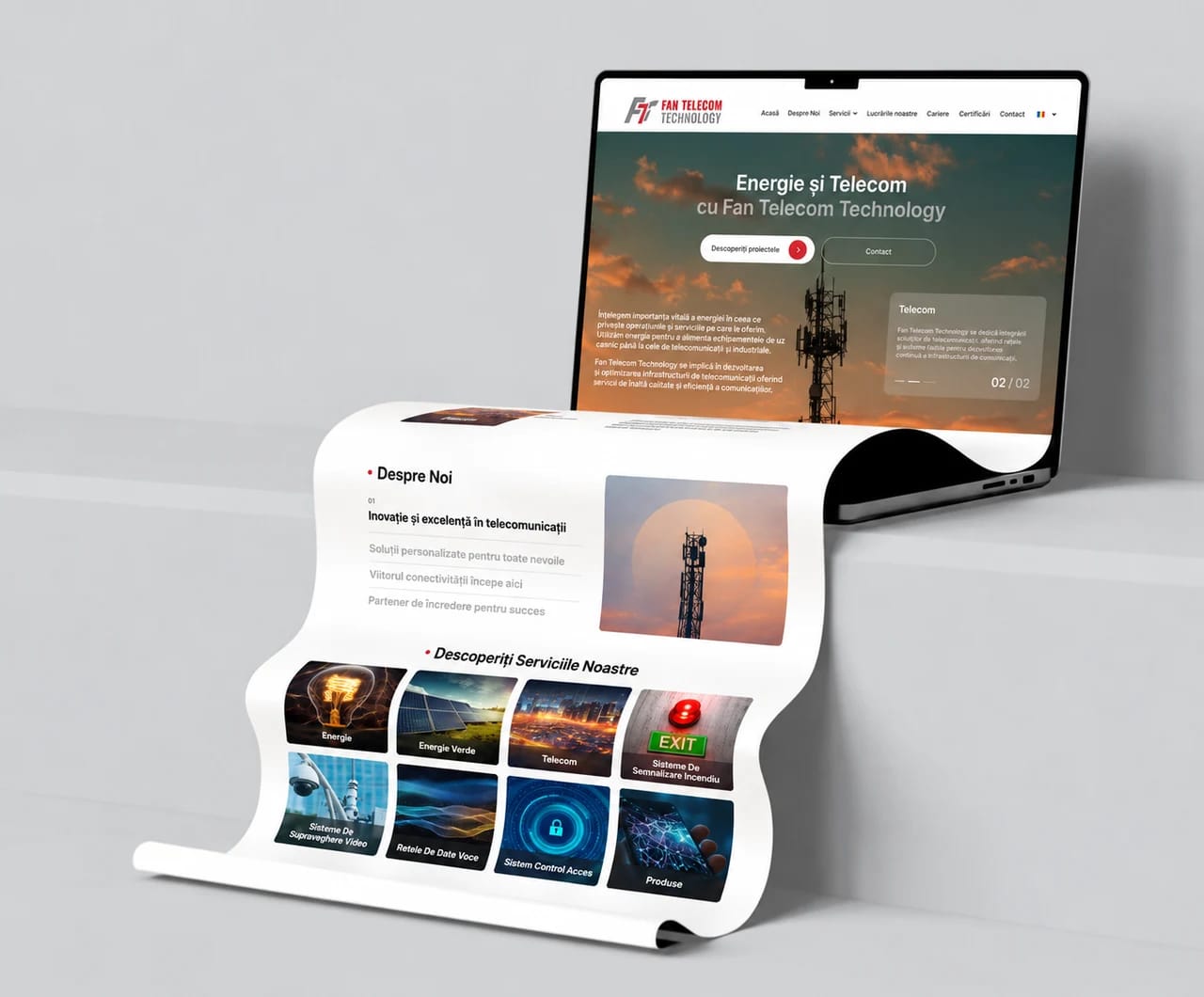
Websites and design
Explains the offer and sends enquiries to the sales team.
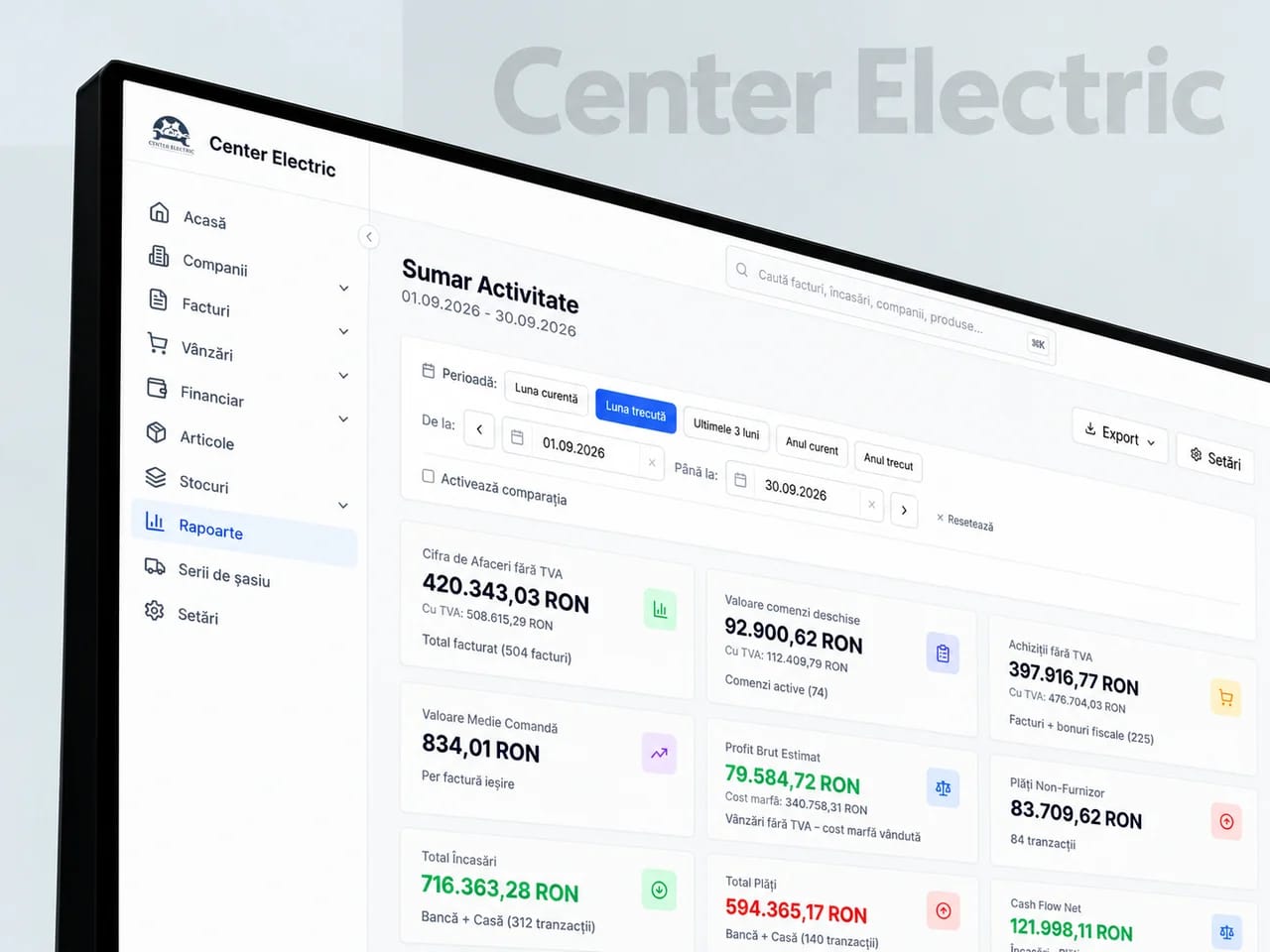
Business systems
Brings clients, orders, documents and the warehouse together.
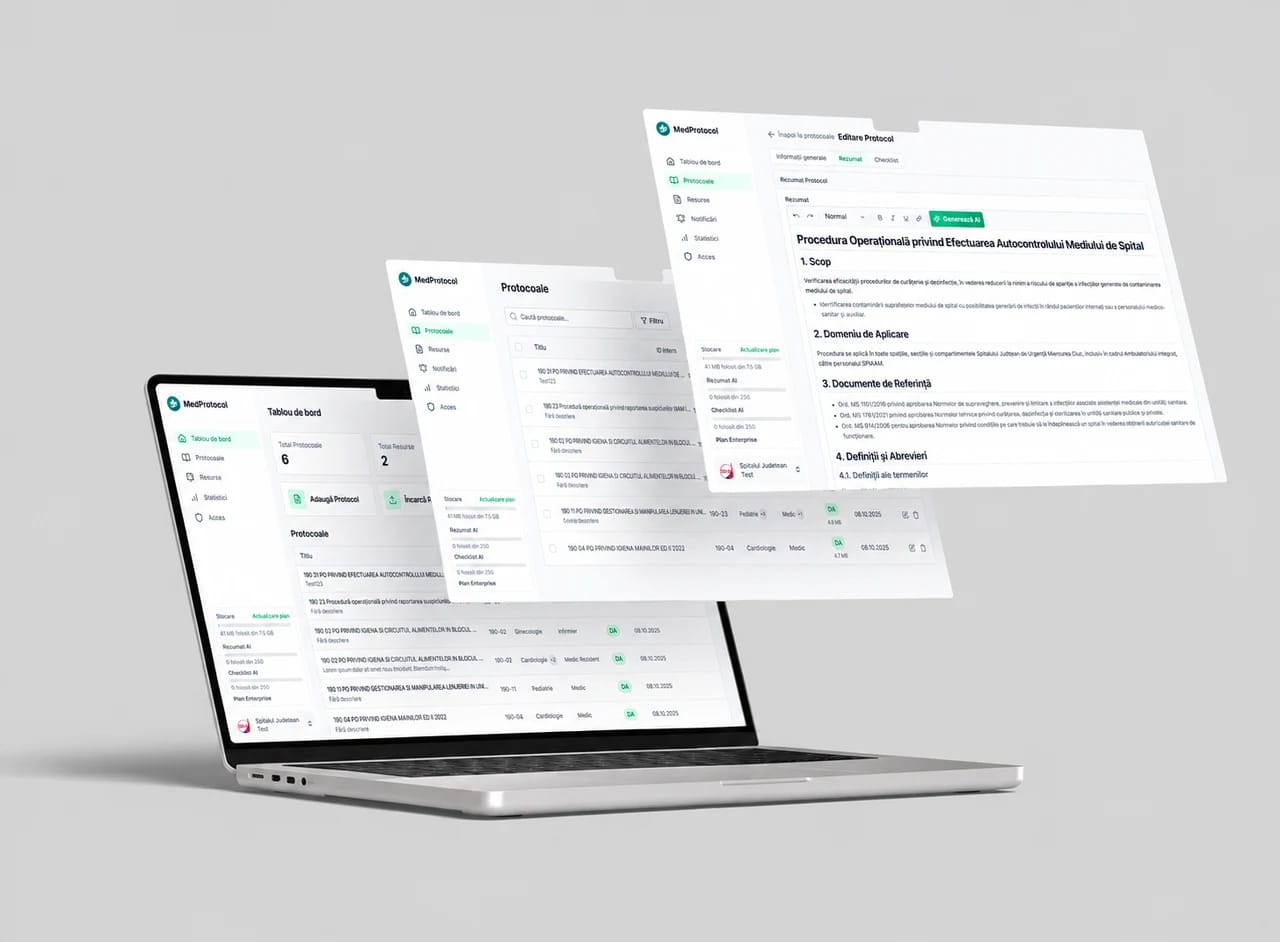
AI and automation
Takes over the repetitive tasks between your team’s apps.
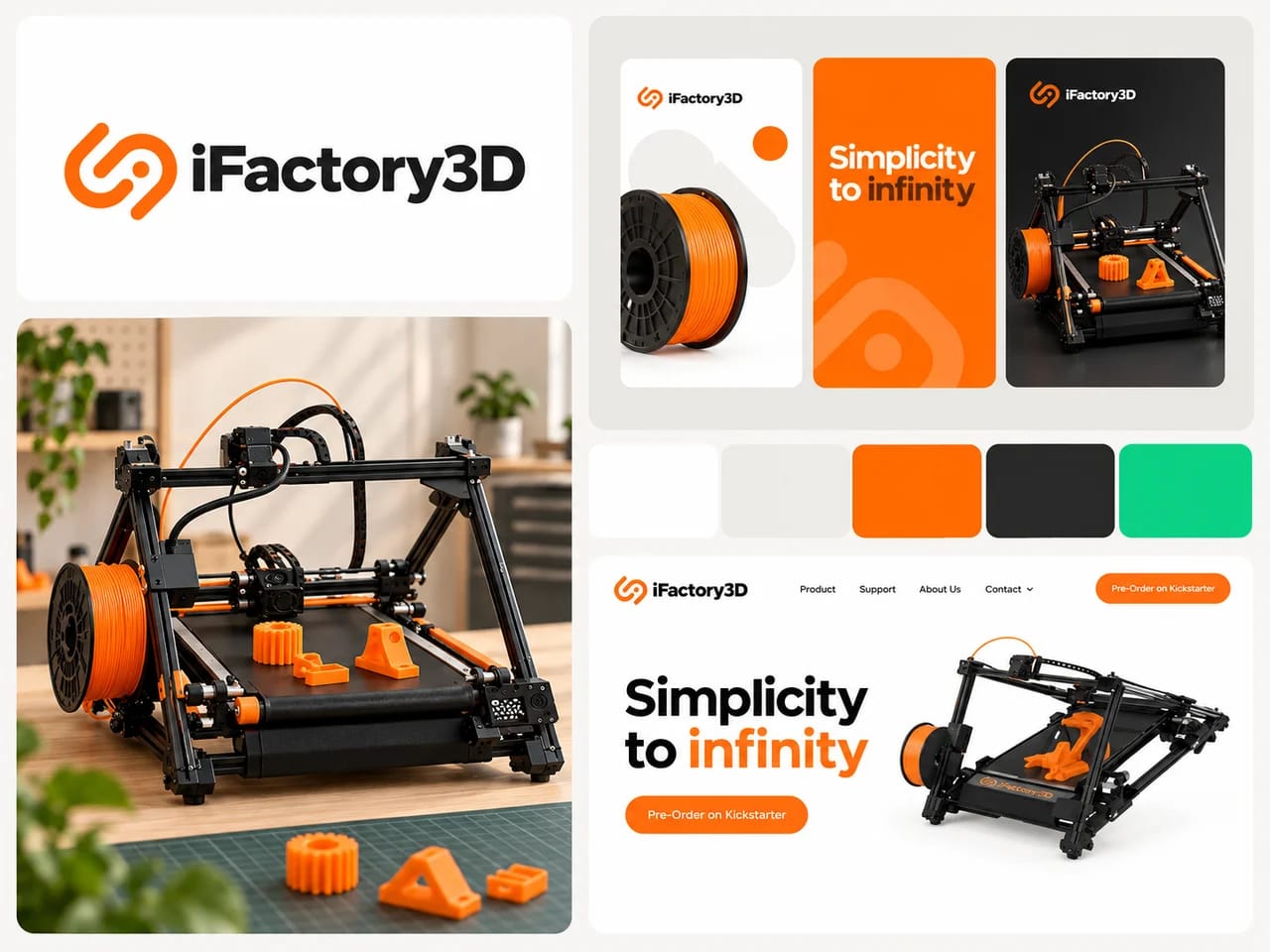
Branding and marketing
Connects your company’s identity and message to the campaigns that bring enquiries.
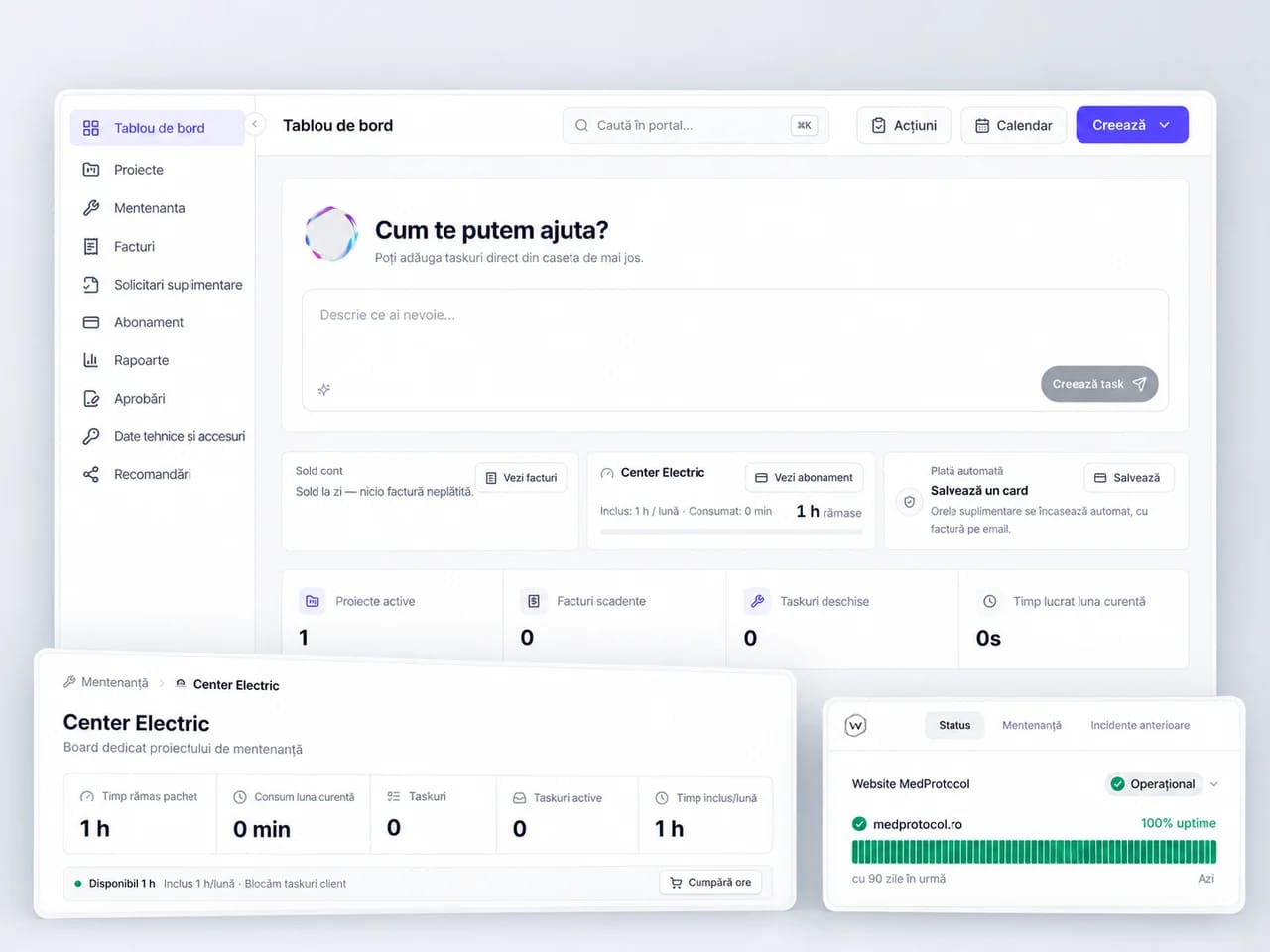
Maintenance and hosting
Keeps your website and connected systems running.
